What Is the Best Enterprise AI Chatbot? Suites, Helpdesk Agents and Custom Builds Compared

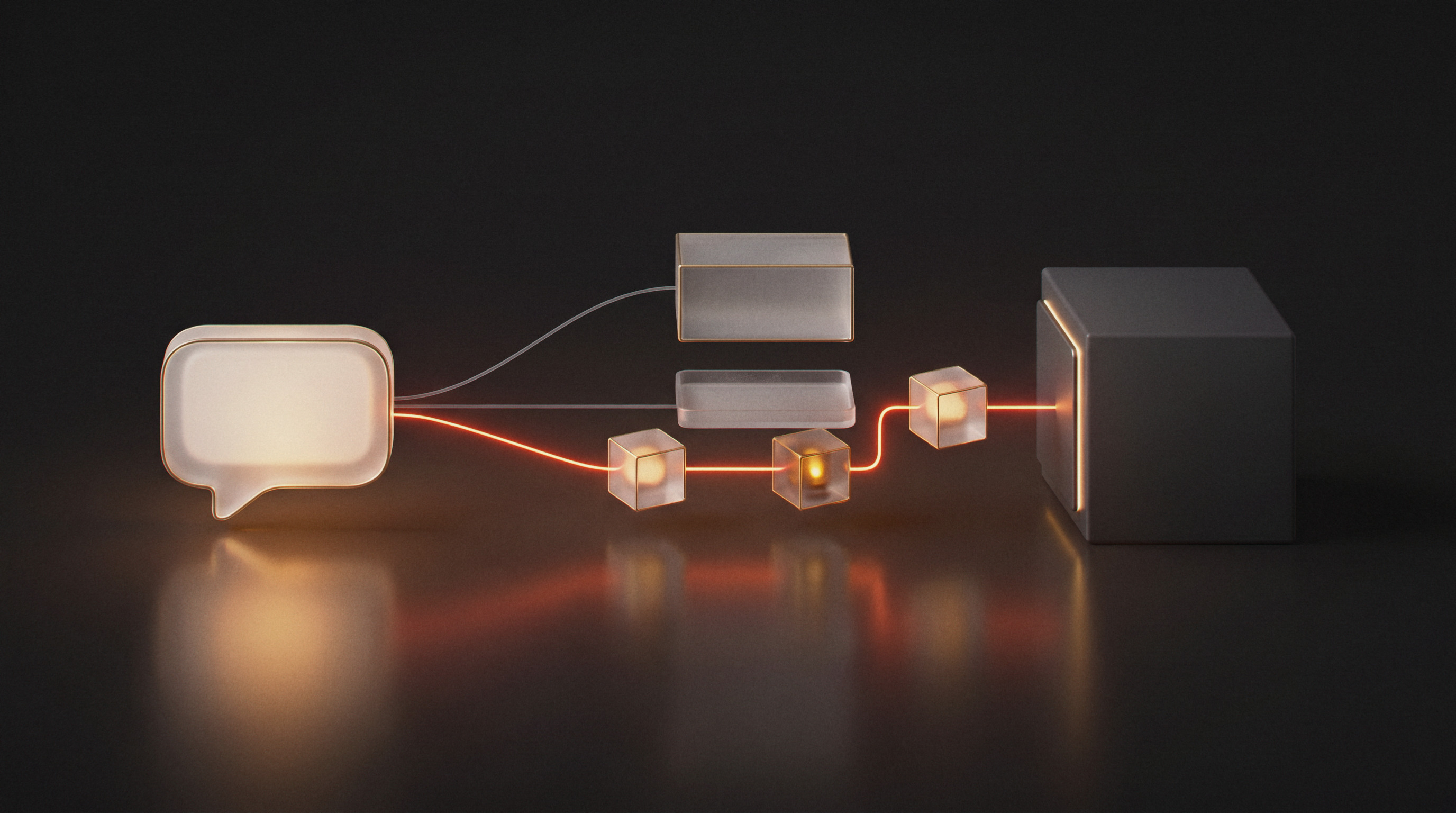
Ask ten vendors for the best enterprise AI chatbot and you get ten demos, each of a chat window answering a polite question about a sample product. The demo tells you almost nothing about the part that decides whether the chatbot pays back: whether it can look up an order in your CRM, follow your refund rules, hand a furious customer to a person, and log all of it where your team already works.
The best enterprise AI chatbot is the one built for the job you need done. In 2026 that job falls into one of three categories, and each is best at something different: a workplace suite for staff productivity, a helpdesk AI agent that answers from your help articles, or a custom build that acts on live data inside your own systems. This guide shows what each does well, where each stops, and how to tell which one your use case needs.
What makes a chatbot enterprise-grade
An enterprise chatbot works on your data, inside your systems, under your rules. A consumer assistant answers from what its model learned in training. An enterprise chatbot answers from your knowledge base and your live records, and it is accountable for each answer. Four capabilities separate the two, and they are the questions to put to any vendor.
- Grounded answers. The chatbot drafts replies from your own sources, usually through retrieval-augmented generation (RAG), so it can quote your delivery times or VAT rules instead of guessing them. A RAG chatbot is only as good as the knowledge it retrieves from, which is why the knowledge base needs an owner and a refresh schedule.
- Access to live systems. Most customer questions are about a specific order, account or ticket. Answering them means reading from your CRM, ERP or carrier tracking, and sometimes writing back.
- Rules enforced before a reply goes out. Business rules written into a prompt are suggestions the model weighs. Rules checked by a separate step after drafting are enforced.
- A clean hand-off to people. When a conversation needs a person, the chatbot routes it to the right team and stops replying, so the customer never gets two answers at once.
The governed knowledge underneath the first two is what we call an enterprise context layer. Our context layer blueprint covers how to build one, and mapping business rules into the context layer covers the third.
The three kinds of enterprise AI chatbot
Workplace suites: ChatGPT Enterprise, Microsoft Copilot and Gemini
These are the platforms most companies evaluate first, and for internal productivity they are hard to beat. Staff draft emails, summarise documents, search shared drives and analyse spreadsheets with a polished interface and enterprise sign-on. Data is not used to train the vendor's models under their business terms.
They stop at the edge of the vendor's connectors. A suite can read the files it is pointed at, but it does not run your returns process, check an answer against your discount policy, or post to a customer conversation in HubSpot. Pricing is per seat, which suits a known number of employees and does not apply to customers at all. If you are searching for a ChatGPT Enterprise alternative because the suite cannot reach the workflow you care about, the alternative is usually a different category of tool.
Helpdesk AI agents
Most major support desks now sell an AI agent that answers customers from your help centre articles. Setup is fast if your articles are good and your questions are general: opening hours, shipping policy, how to reset a password. They are often priced per conversation or per resolution.
The limits appear when an answer depends on data the desk does not hold. "Where is my order" needs the order system and the carrier. "Can I return this" needs the purchase date and the product's return rules. A helpdesk agent reaches those through whatever integrations its vendor ships, and its guardrails are the vendor's, applied the same way for every customer of that vendor.
Custom builds
A custom enterprise chatbot is built into your own stack. It reads and writes the systems your team uses, checks every draft against your rules before it is posted, and can run on infrastructure you control. The model is a component you can swap when a better or cheaper one appears. Ovidius builds most of these on self-hosted n8n, so each step of the conversation is a visible workflow your team can inspect.
The trade-off is that someone has to scope, build, test and run it. That cost is worth paying when the chatbot handles real volume, touches live data or speaks to customers in your name, and it is not worth paying for a staff writing assistant a suite already provides.
Comparing enterprise chatbot platforms side by side
| Question | Workplace suite | Helpdesk AI agent | Custom build |
|---|---|---|---|
| Who uses it | Your staff | Your customers | Customers, staff or both |
| Where answers come from | Files and apps you connect | Help centre articles | Knowledge base plus live system data |
| How rules are applied | Instructions in the prompt | Vendor guardrails | A second agent checks every draft |
| Where data lives | Vendor cloud | Vendor cloud | Your cloud, or self-hosted |
| How it is priced | Per seat | Per conversation or resolution, typically | Build cost, then hosting and model usage |
| Best first use case | Writing, search and summaries | General support questions | Order lookups, triage and workflows that write back |
For the automation platforms underneath custom builds, our AI agent platform comparison sets eight of them against each other on hosting, pricing and governance.
What a production chatbot does with one message
Pinkcube, a Dutch seller of custom-printed products, was answering around 1,800 website chats a month by hand inside HubSpot. Ovidius built one HubSpot chat widget that answers at every hour of the week, running on n8n with Gemini Flash and live order data from HubSpot and AfterShip. Every message passes three gates before a reply is posted.
A guardrail agent screens each message for prompt injection first. The main agent then drafts from a knowledge base covering FAQs, VAT rules, delivery timelines and product data, and looks up the order in HubSpot and AfterShip, with a filter that keeps internal order notes out of customer replies. A second agent checks the draft against business rules before it is posted. During office hours, a conversation that needs a person is assigned to an available agent through a HubSpot workflow and the bot stops replying. After hours, it opens a ticket with the full transcript and tells the customer, in Dutch, when the team will respond.
The system went to production in mid-September 2026. It handles around 500 chats a week, order lookups succeed more than 95% of the time, and it is one of twelve production systems Ovidius runs for Pinkcube. The full build is on our enterprise AI chatbot page, along with Live Platforms' Gemma, which answers gemstone auction shoppers around the clock from a knowledge base that refreshes weekly and escalates unhappy customers to Zendesk.
Security and compliance questions to ask any vendor
Put these questions to every option on your list, including a custom build.
- Where is conversation data stored and processed? A self-hosted deployment keeps it inside your own infrastructure, which simplifies GDPR and sector rules in healthcare and finance. Our AI agents in healthcare page shows what that looks like where patient data is involved.
- What stops a prompt injection? Ask whether messages are screened before the main model sees them, and how that is tested.
- What checks an answer before the customer sees it? A content filter catches offensive language. A second agent checking against your rules catches a wrong refund amount.
- Who can see what? Role-based access in the knowledge layer stops the chatbot surfacing information the person asking is not entitled to.
- What happens when it fails? Ask for the error handling, the alerting and the separate development, staging and production environments. Every Ovidius chatbot build ships with all three environments, and a global error handler sends failed-workflow alerts to Slack and email.
Our enterprise AI governance page covers the controls in more depth, and the AI use policy template gives your team a starting policy to adapt.
How to choose an enterprise AI chatbot
Step 1: Name the conversations it will handle
Pull a month of chats, tickets or internal questions and sort them. If most are staff asking for help with documents, a suite covers it. If most are customers asking general questions, a helpdesk agent may be enough. If most need an order, an account or a record, you need a chatbot that reaches live systems.
Step 2: Count the systems each answer touches
List every system an answer has to read from or write to. One system with a good native integration favours an off-the-shelf tool. Three systems, or one without an integration, favours a custom build.
Step 3: Write down the rules it must never break
List the refund limits, the regulated wording and what may be said about a delayed order. The longer that list, the more a separate checking step matters.
Step 4: Price it at your real volume
Per-seat and per-resolution pricing look small on a pilot and large at full volume. Model your monthly conversations and compare that with build, hosting and model costs. Our AI agent cost estimator works out the model and hosting side for a given volume.
Step 5: Start with one workflow and measure it
Launch on one conversation type with a baseline measured first, such as chats answered by hand per week, then extend. Our enterprise AI proof of concept approach shows how the go or no-go decision is made, and how we work lays out the stages after it.
Frequently asked questions about enterprise AI chatbots
What is an enterprise chatbot?
An enterprise chatbot is a conversational AI system that answers from a company's own knowledge and live systems, follows that company's rules, and hands conversations to people when needed. It serves customers, employees or both, and every answer can be traced back to its source.
What is the best enterprise chatbot platform?
For staff productivity, the workplace suites lead: ChatGPT Enterprise, Microsoft Copilot and Gemini. For general customer questions answered from help articles, the AI agent bundled with your support desk is the fastest start. For conversations that need live order or account data, your own rules and data kept in your infrastructure, a custom build on an orchestration layer such as n8n fits better.
How much does an enterprise AI chatbot cost?
Cost depends on how many systems the chatbot connects to, the conversation volume and the checks each answer needs. Off-the-shelf tools charge per seat or per resolution. A custom build costs a one-off build plus hosting and model usage, which you can estimate with our AI agent cost estimator. For a firm figure on your own workflow, the fixed-fee AI Audit ends with a build estimate and a 90-day roadmap.
How long does it take to deploy an enterprise chatbot?
A helpdesk agent working from good help articles can be switched on quickly. A custom chatbot that connects to several systems takes weeks, and the timeline depends on those systems and on how much testing the use case needs. We scope it before you commit.
Can we build an enterprise chatbot in-house?
Yes, if your team has integration, security and prompt engineering experience and the time to run the system after launch. A partner can ship the first production chatbot, set up monitoring and testing, and hand your team a documented system. If you would rather not run it at all, AI managed services covers that.
Talk to an engineer about your chatbot
In a 30-minute discovery call you speak directly with an AI engineer about the conversations you want to automate and the systems behind them. If a suite or a helpdesk agent would do the job, we will tell you.