Claude Cowork Plugins: Which Ones to Install and Which to Build


Install a Claude Cowork plugin when one already covers the job and its connectors reach the tools your team uses, then customize its skills to your own terms and steps. Build your own plugin when the work runs through a system no connector reaches, such as an internal API or your ERP, or follows a process no plugin covers. Anthropic's guide to plugins says a plugin "packages skills, MCP connectors, and commands and agents so you can add them to Claude as one unit", so building one means writing those skills and, where a system has no connector, hosting the MCP server it calls.
Your situation decides the route. When a plugin covers the job and your tools have connectors, install it and connect each connector with your own account. When a plugin covers the job, but your terms and steps differ, customize it: add your terminology and process to its skills and point its .mcp.json at your tools. When no plugin covers the job, and your tools are already connected, build a plugin of skills only, which Anthropic calls complete. When the work depends on a system no connector reaches, build your own plugin: a remote MCP server you host, with OAuth sign-in where its tools act on the user's own account, and skills that use it.
What a Cowork plugin holds
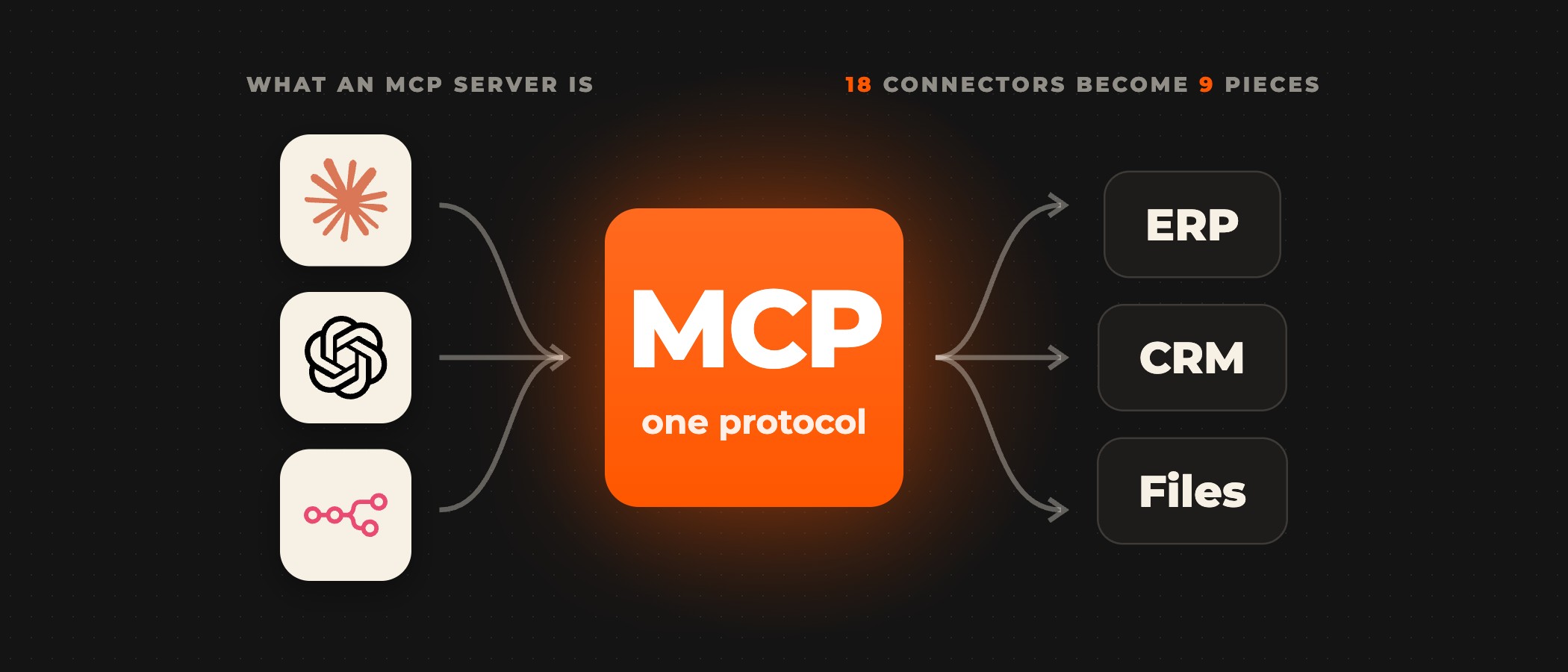
A plugin and a connector are different things. Anthropic's page on connectors, skills, and plugins puts it this way: "MCP connectors give Claude access to a tool or data source, and skills teach it how to do a task the way you or your team does it. Plugins package skills, MCP connectors, commands, and agents into one unit that you can install once and share with others." MCP, the Model Context Protocol, is the open standard Claude uses to reach other systems, and each connector is a connection to an MCP server that the service runs.
Anthropic's guide to installing plugins in Cowork says installing one "can add skills, MCP connectors, subagents, commands, or hooks in a single step". Skills are "reusable instructions that teach Claude a workflow", connectors are "MCP servers that give Claude access to an external service", subagents are specialists Claude can delegate part of a task to, commands are named actions you run by typing /plugin-name:command, and hooks are scripts that run at defined points in a session. A plugin you install is saved to your account, so its skills and connectors also work in chat and in Claude Code. Its agents run in Cowork and Claude Code only.
Installing a plugin connects nothing on its own. In Anthropic's words, "Installing doesn't add or sign you in to any connector." After you install, you open the plugin's Connectors tab and connect each connector with your own account, and on Team and Enterprise plans an Owner first adds any connector the organization does not have yet. The plugin's skills load whether or not you connect anything, but a skill that uses a connector's service cannot reach that service until the connector shows Connected.
The plugins worth installing first
Anthropic publishes its own plugins as knowledge-work-plugins on GitHub, "Built for Claude Cowork, also compatible with Claude Code". Each one bundles the skills, connectors, slash commands and sub-agents for one job function, and the set includes sales, finance, legal, customer support, data, marketing, product management, productivity and enterprise search. The finance plugin connects to Snowflake, Databricks, BigQuery, Slack and Microsoft 365, and the customer support plugin to Slack, Intercom, HubSpot, Guru, Jira, Notion and Microsoft 365.
Install one of these when the job it names is the job your team does and its connectors are the tools your team already uses. Anthropic sets the expectation in the same README: "Out of the box, they give Claude a strong starting point for helping anyone in that role. The real power comes when you customize them for your company." You find them in Customize, under Plugins and then Discover, in claude.ai or the Claude desktop app, and the directory's plugins appear on the Pro, Max, Ultra, Team and Enterprise plans.
Check where a plugin comes from before you add it. Anthropic reviews the plugins listed in its directory, where "every version gets automated validation and a security scan, and a person reviews a new listing before it goes live". That review does not cover a plugin you add from a marketplace URL or upload as a file, so Anthropic advises adding those only from sources you trust. In Cowork and Claude Code, a plugin's agents and hooks can run commands on your computer when certain events happen.
When to customize an installed plugin
Customize when a plugin covers the job but uses terms, steps or tools that are not yours. Anthropic's README names three changes: swap connectors by editing the plugin's .mcp.json to point at your tool stack, add company context by putting your terminology, org structure and processes into its skill files, and adjust its workflows to match how your team does the work. Every component is a markdown or JSON file, so customizing a plugin needs no code and no build step.
Anthropic's cowork-plugin-management plugin creates new plugins or customizes existing ones for your own tools and workflows, and Create with Claude, under Customize, Plugins and then Add, builds a plugin for your own workflow from a conversation without you writing files. Plan for updates before you edit. Cowork checks for plugin updates from the marketplace a plugin came from, and when you have edited a plugin's files locally, it warns you before an update would overwrite your changes.
When to build your own plugin
Build when no installed plugin reaches the work. The first case is a process no plugin covers, on tools that already have connectors. There the plugin can be skills only: Anthropic's guide to deciding what to include in a plugin says "A plugin with only a connector or only skills is complete." Skills hold what Anthropic calls "the sequence of steps, the defaults, and what good output looks like", and Claude decides when to load a skill from its description, so the description names the situations in which someone would need it.
The second case is a system no connector reaches, such as an internal API, a custom database or an ERP with no connector of its own. Anthropic's rule for it: "Include an MCP connector when Claude needs to read from or act in your product or data. The connector points at a remote MCP server that you build and host, with OAuth sign-in if your tools act on the user's own account." Where the system already has a public API or CLI that Claude can use, the plugin can leave the connector out, and its skills teach Claude to use that API or CLI instead.
The plugin references the server by URL in its .mcp.json file, and each person signs in through the server's OAuth flow. Anthropic's plugin reference warns: "Don't put API keys or other secrets in this file, because every person who installs the plugin receives its files." Host the server remotely, because a remote server reaches chat, Cowork and Claude Code, while a local one runs only in Claude Code and in a Cowork session on the user's own computer. Tools you add to the server later reach every plugin that references it without a new plugin release.
Settle what the work is before anyone writes a skill or a connector: the steps a skill holds, the systems and data a connector must reach, and where a person approves before anything is sent, filed or changed. On the Claude Cowork builds we deliver, approval steps and hand-off rules are set for each workflow during scoping. A plugin built this way also serves Copilot Cowork, because both products use the Agent Skills format, so the skills and connectors in a Claude plugin carry across when Copilot Cowork converts the package on upload.
Rolling a plugin out to your organization
On Team and Enterprise plans, an Owner decides which plugins members get, in Organization settings under Plugins & skills, as Anthropic's guide to managing plugins for your organization sets out. An Owner adds your plugin in Organization settings, from a GitHub or GitLab repository or a zip file, and then sets its availability. Availability does not add a plugin's bundled connectors, so the Owner also adds its connector in Organization settings > Connectors, and each member connects with their own account. Its skills reach the service once the connector shows Connected.
Owners of a Team or Enterprise organization choose one of four availability settings for each plugin.
| Members see | Can remove it | |
|---|---|---|
| Not available | nothing: the plugin is hidden and can't be installed | not applicable |
| Available to install | the plugin appears under Discover and members install it if they want it | yes, they can remove it |
| Installed by default | the plugin is already installed for every member | members can turn it off |
| Required | the plugin is installed and always on | no, members can't turn it off or remove it |
On Enterprise plans, an Owner can give a user group its own availability, so one team gets a plugin installed by default while the rest of the organization does not see it. A Team plan has no group setting, so Anthropic suggests a pilot there: upload the plugin to your own account, share it with specific people, and add it for the organization when the pilot is done. Members can also publish a plugin they made with Publish to org, and the Publishing policy decides whether each request waits for an Owner's review.
For a plugin your organization uploads, every version stays in its version history, and an Owner can make an earlier one current again. A plugin synced from a repository is fixed in the repository and synced again instead.
Building it with Ovidius
We connect Claude Cowork to the systems your teams already use, such as Jira and your CRM, and build the connectors your systems need when none exist yet. Scoping sets the timeline for your workflow, every build is tested in staging on test data before it goes live, and your IT team reviews the connectors.
Frequently asked questions
What is a Claude Cowork plugin?
A Claude Cowork plugin is a package that extends what Claude can do in Cowork. Installing one can add skills, MCP connectors, subagents, commands or hooks in a single step, from the marketplace, from your organization or from a file you upload. It is saved to your account, so its skills and connectors also work in chat and in Claude Code.
Is a plugin the same as a connector?
No. A connector gives Claude access to one tool or data source through an MCP server, and a plugin packages connectors together with skills, commands and agents so you install them as one unit. Installing a plugin does not add or sign you in to any connector: you connect each one from the plugin's Connectors tab with your own account.
Does Anthropic review the plugins I add?
Only the ones listed in its directory. There every version gets automated validation and a security scan, and a person reviews a new listing before it goes live. That review does not cover a plugin you add from a marketplace URL or upload as a file, so Anthropic advises adding those only from sources you trust, since a plugin's agents and hooks can run commands on your computer.
Where else does a plugin installed in Cowork work?
It also works in chat and in Claude Code on the same account. A plugin you install is saved to your account, so its skills, commands and connectors load in chat and in Claude Code too, while its agents run in Cowork and Claude Code only. The skills and connectors in a Claude plugin also carry across to Copilot Cowork, which converts the package on upload.
Do I need a developer to build a Cowork plugin?
Not for a plugin of skills only, which Anthropic calls complete on its own: Create with Claude builds one from a conversation. A plugin that has to reach a system with no connector also needs a remote MCP server that you build and host, with OAuth sign-in where its tools act on the user's own account.
Who decides which plugins members of an organization get?
On Team and Enterprise plans, an Owner sets each plugin's availability in Organization settings: Not available, Available to install, Installed by default or Required. Enterprise plans can give a user group its own setting. Availability does not add a plugin's connectors, so the Owner also adds each connector, and every member connects it with their own account.
Not sure which of your workflows need a plugin of their own?
Book a discovery call. A senior partner runs the call and tells you which of your workflows suit Cowork before anything is scoped.