Microsoft Foundry vs Copilot Studio: Which Platform Fits Your Enterprise AI Use Case?

The choice between Microsoft Foundry and Copilot Studio turns on how much of the AI stack your team needs to own. Copilot Studio is Microsoft's low-code option, sold as software as a service (SaaS). Business teams build agents in it from prebuilt connectors and publish them to Teams, Microsoft Copilot or a website. Microsoft Foundry is a platform as a service for developers. They pick their own models, fine-tune them, run their own code as hosted agents and set the network boundary themselves. Microsoft's Cloud Adoption Framework ties the choice to your team's development capabilities and how much customization you need. Copilot Studio suits teams that want business users and developers to build agents with less engineering effort. Foundry suits specialized requirements and engineering teams that can manage more of the development lifecycle.
Microsoft Foundry was called Azure AI Foundry, and Azure AI Studio before that. Microsoft's Foundry documentation now uses the new name throughout. The two platforms also connect. A Copilot Studio agent can call an agent built in Foundry, through a feature still in preview. The agent your business users talk to can then hand the custom work to one your developers own.
Microsoft Copilot Studio: low-code agents for business teams
Microsoft describes Copilot Studio as a graphical, low-code studio for building and managing agents and workflows. Its overview says that, because it is low-code, you can build capable solutions without an extensive technical background. Professional makers still get the depth they need. An agent built there follows your instructions, uses the knowledge sources you connect and calls tools to take action. It works with employees and customers across Microsoft Teams, Microsoft Copilot, websites and mobile apps. A customer service queue, an internal HR FAQ or a routine approval workflow fits that shape.
Copilot Studio reaches other systems through prebuilt or custom connectors. In its standard setup, an agent matches each request to a topic. A topic is a part of the conversation you design, with connected steps, questions and conditions. When a request falls outside your topics, the agent answers from its connected knowledge. Agent flows run as standalone automations or as tools an agent calls. They can run prompts, call agents and include steps where a person reviews the work.
For agents in production, Copilot Studio adds analytics, evaluations with test sets, and an administration inventory with role-based access and cost management. The Cloud Adoption Framework sums up its fit as process transformation, with fast development, minimal coding and SaaS security.
Microsoft Foundry: pro-code agents, models and orchestration
Foundry is the developer's side of the choice. The Cloud Adoption Framework lists it as the pro-code platform as a service for agents, built for code-first development with greater flexibility. It runs your agents, coordinates their steps and connects them to other systems in one managed environment. You have no virtual machines or Kubernetes to manage. Its catalog holds more than 10,000 models from Microsoft, OpenAI, Anthropic, Meta and others, according to Microsoft's Foundry overview. In Copilot Studio, business teams get an agent that works from the knowledge they connect. In Foundry, a team adapts a model to its own contracts, compliance documents or operational language.
A Foundry agent can be declarative, set up through settings, or full code. A prompt agent is declarative. You set instructions, choose a model and attach tools in the Foundry portal, and Foundry hosts and runs it. A hosted agent is full code. You bring your own framework, such as Microsoft Agent Framework, LangGraph or Semantic Kernel, and package it as a container. Foundry then runs it with a managed endpoint, scaling, identity and observability. Prompt flow, the visual chain builder older guides point to, is no longer recommended for new development and retires on April 20, 2027. Microsoft moves those workloads to Microsoft Agent Framework, which is code-first and has no visual graph editor.
Four kinds of work point to Foundry:
- A model trained on your own data. Fine-tuning trains a pretrained model further on data from your task. One reason Microsoft gives for doing it is to specialize a smaller model, for lower cost and faster responses.
- Multi-step orchestration in your own code, run as a hosted agent, using Python libraries or frameworks that a visual builder cannot handle.
- Strict data and network controls. Foundry's standard setup gives fine-grained control over data, security and networking, with private networking for confidential workloads.
- Work with no chat at all, such as batch document processing. An application sends prompts straight to a model, with no agent in front of it.
Foundry also carries the controls a security review asks about. It offers tracing, monitoring and evaluations for agents and models, plus Microsoft Entra identity, role-based access control, content filters, network isolation and Azure Policy. Fine-tuning adds training and hosting costs. Microsoft notes that it does not replace retrieval, the step where an agent looks up current information. The Cloud Adoption Framework sums up Foundry's fit as strategic transformation, with deep integration and custom logic.
| Copilot Studio | Microsoft Foundry | |
|---|---|---|
| Build | business teams build agents from prebuilt connectors | developers pick their own models |
| Delivered as | software as a service | a platform as a service |
| Agents | prebuilt connectors, topics and knowledge sources | prompt agents in the portal or as hosted agents that run your own code |
| Controls | analytics, evaluations with test sets, and an administration inventory with role-based access and cost management | tracing, monitoring and evaluations for agents and models, plus Microsoft Entra identity, role-based access control, content filters, network isolation and Azure Policy |
| Fit | process transformation | strategic transformation |
Using Copilot Studio and Foundry together
Copilot Studio and Foundry also work together. Business teams keep Copilot Studio's low-code interface, and developers supply an agent built in Foundry. The working pattern is a connected agent. Developers build the agent in Foundry. In Copilot Studio, you add it under Connect to an external agent, with the Foundry project endpoint, its agent ID and a description. A user then asks the Copilot Studio agent a question in Teams. The Copilot Studio agent reads the description to decide when the Foundry agent should handle a request. It calls the Foundry agent, and the answer goes back to the user through the Copilot Studio agent.
Three limits apply on Microsoft's page as read on November 11, 2026. The connection is a preview feature, and Microsoft states that preview features aren't meant for production use. Copilot Studio can only connect to agents created in the new Foundry portal. The Foundry agent also needs its Activity protocol endpoint switched on. The Foundry portal has no option for that today, so it takes the REST API or the Python SDK.
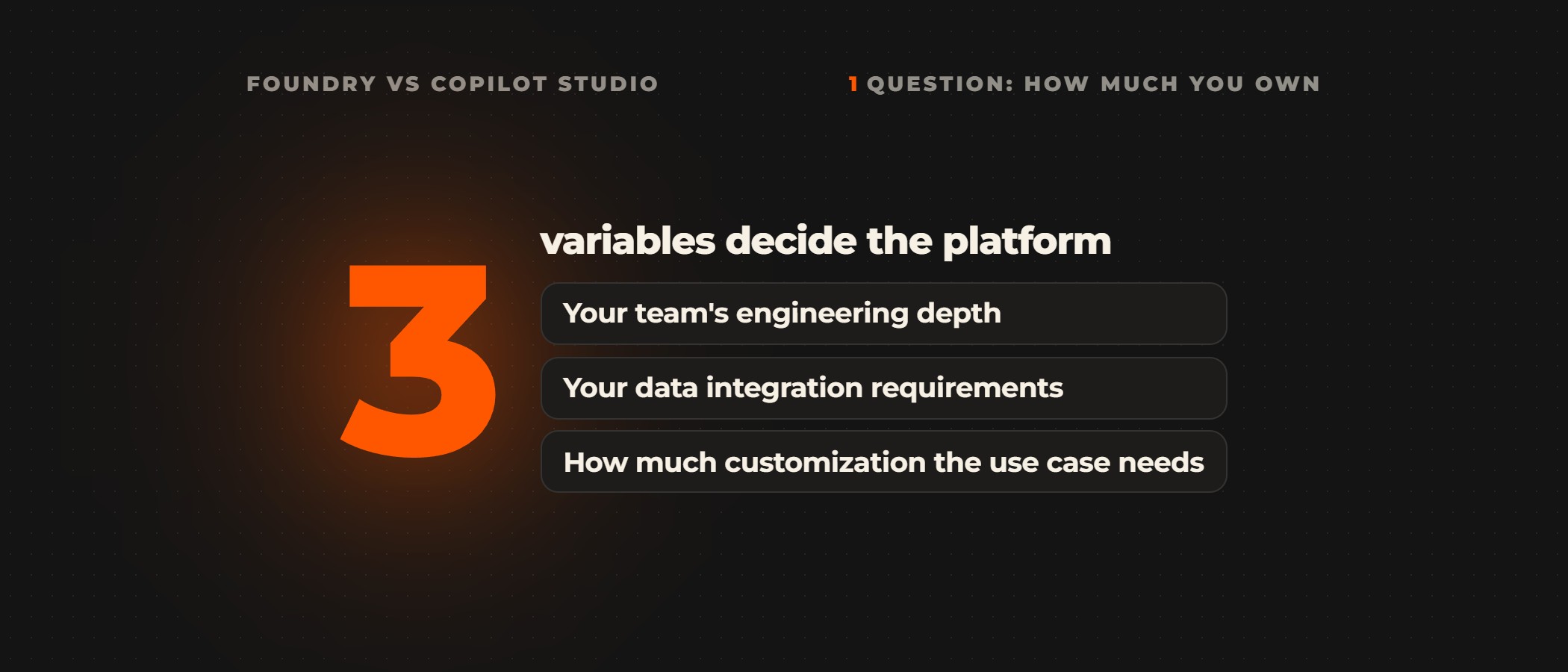
The difference between Foundry and Copilot Studio comes down to three questions. How much engineering skill does your team have? How complex is your data integration? How much custom work does your use case need?
How to choose between Microsoft Foundry and Copilot Studio
Microsoft's own decision tree starts one step earlier. If a ready-made agent, such as one in Microsoft 365 Copilot, meets your functional requirements, the Cloud Adoption Framework says to use it and build nothing. Only when none fits do you pick a build platform: Microsoft Foundry for pro-code, Copilot Studio for no-code or low-code, or GPUs and containers on Azure when you need direct control over the infrastructure. It advises starting with a multi-agent system when the use case crosses security and compliance boundaries, involves several teams or will grow. Otherwise, unless the system is low in complexity, it advises a single-agent test first, to see whether one agent meets your requirements. To choose between Foundry and Copilot Studio, build a prototype on each and compare them on development speed, functional coverage and integration complexity.
Ovidius builds on Microsoft Foundry and works inside your team to do it. A senior partner runs the first call and tells you whether Foundry is the right platform for the job before anything is scoped. Where it is the wrong tool, we say which platform we would build on instead.
Frequently asked questions
What is the difference between Microsoft Foundry and Copilot Studio?
Copilot Studio is for business teams, and Microsoft Foundry is for developers. Copilot Studio is a low-code studio, sold as software as a service, where teams build agents from prebuilt connectors, topics and knowledge sources. Microsoft Foundry is a platform as a service. There, developers choose their own models, fine-tune them, run their own code as hosted agents and control the network. Microsoft's Cloud Adoption Framework advises building in Copilot Studio when a low-code agent meets your functional and security requirements. When it does not, it advises moving to Foundry.
Is Azure AI Foundry the same as Microsoft Foundry?
Yes. Microsoft renamed Azure AI Foundry to Microsoft Foundry, and its documentation now uses the new name. Before that, the product was called Azure AI Studio. Projects built on the older hub model sit in the Foundry (classic) portal. Microsoft focuses new investment on Foundry projects in the new portal. One practical effect is that Copilot Studio can only connect to Foundry agents created in the new portal.
Can a Copilot Studio agent call a Microsoft Foundry agent?
Yes, through a preview feature. In Copilot Studio, you add the Foundry agent under Connect to an external agent, with the Foundry project endpoint and the agent's ID. The Copilot Studio agent then calls it when the description you wrote matches the request. The Foundry agent needs its Activity protocol endpoint switched on through the REST API or the Python SDK. Microsoft states that preview features aren't meant for production use.
Does Microsoft Foundry still use prompt flow?
Yes, for now. Prompt flow still runs in Foundry, but Microsoft no longer recommends it for new development. Microsoft retires it on April 20, 2027, along with its web authoring in Foundry and its VS Code extensions. Microsoft moves those workloads to Microsoft Agent Framework, which is code-first and has no visual graph editor. New Foundry agents are built as prompt agents in the portal or as hosted agents that run your own code.
Do you need developers to build in Copilot Studio?
No. Microsoft built Copilot Studio so you can build capable agents without an extensive technical background. You work with prebuilt or custom connectors, topics and connected knowledge, and professional makers still get the depth they need. Developers come in when the agent needs its own model, custom code or strict network isolation. At that point the build moves to Foundry, which Microsoft's Cloud Adoption Framework says suits specialized requirements and engineering teams that can manage more of the development lifecycle.
How do you test which platform fits before committing?
Build a prototype on each platform and compare them on development speed, functional coverage and integration complexity before you commit. Before that, check whether a ready-made agent, such as one in Microsoft 365 Copilot, already meets the requirement. If one does, Microsoft's Cloud Adoption Framework says to use it and build nothing.
Not sure which platform fits your use case?
Book a discovery call with a senior partner. We audit your Azure environment, map the data connections and agree the target workflow with your team. That includes whether Foundry is the right platform for it.


