Claude Cowork Connectors: Wiring AI Safely to Your Company's Core Tools


A Claude Cowork connector links Claude to one of your company's tools, so Claude can read data there and take actions inside the tasks Cowork runs for you. You wire Cowork safely in three moves. An Owner adds each connector for the organization, each member connects their own account so that Claude inherits that person's permissions in the connected service, and the Owner sets each of the connector's tools to Always allow, Needs approval or Blocked. On Team and Enterprise plans, Cowork asks for approval on each task before it uses a write tool, unless an Owner turns on the setting that lets members skip that step, and that setting is off by default.
A system with no connector yet, such as an in-house ERP or a customer database, needs a remote MCP server that you build and add as a custom connector by its URL. Anthropic's guide to custom connectors says Claude reaches that server from Anthropic's cloud infrastructure, even when the person running the task sits inside your network, so the server has to answer on the public internet on HTTPS port 443, with Anthropic's IP addresses allowlisted in your firewall.
Three forms a connector takes
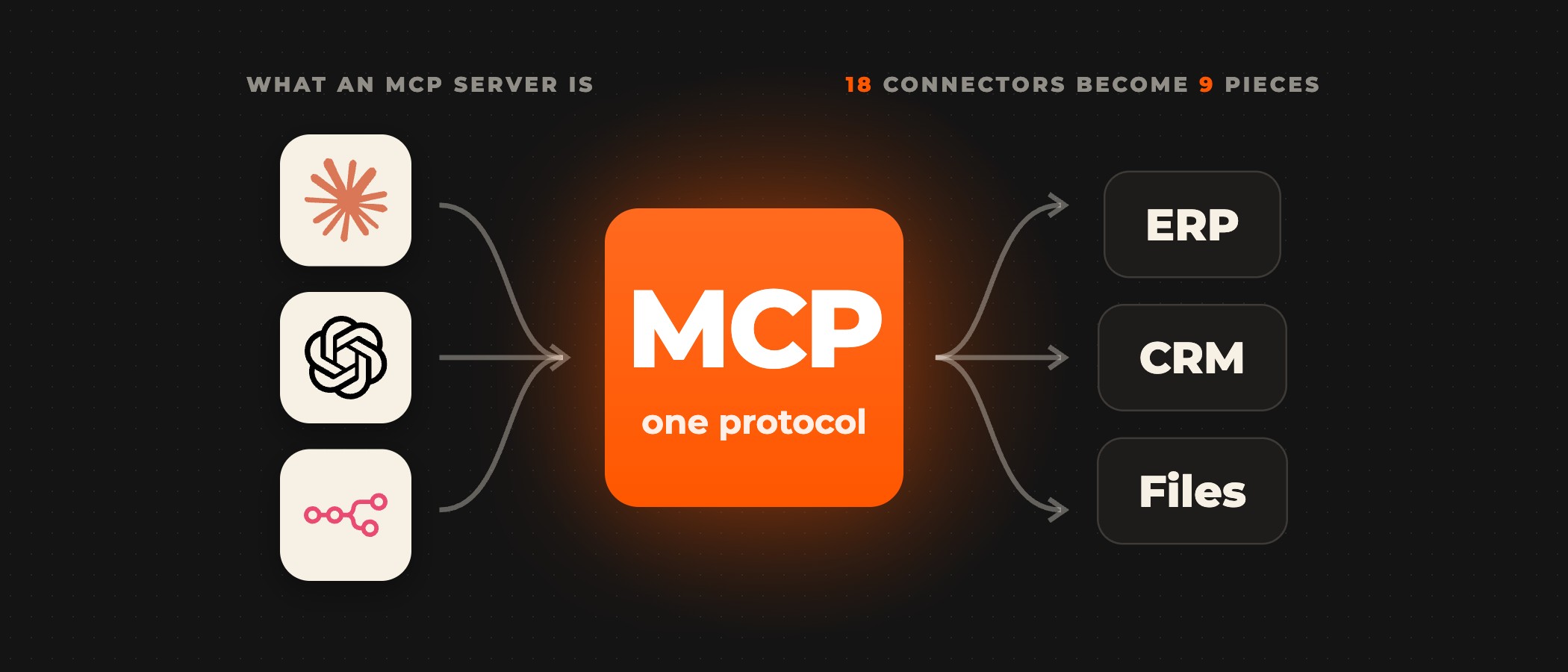
In Anthropic's guide to using connectors, "Connectors let Claude access your apps and services, retrieve your data, and take actions within connected services." They run on the Model Context Protocol (MCP), "an open-source standard for connecting AI applications to external systems". Without connectors to your ERP, CRM and ticketing tools, staff paste data into the conversation and copy Claude's draft back by hand.
A connector reaches Cowork in one of three forms. A directory connector comes from the Connectors directory, under Customize > Connectors, where each listing carries a Verified or Community label. A custom connector reaches any remote MCP server by its URL, and Anthropic warns that custom connectors connect Claude to "services that haven't been verified by Anthropic". A local connector is a desktop extension in the Claude desktop app and runs on your computer, in the Claude desktop app. Directory and custom connectors are both available in Cowork, while a local connector works only in a Cowork session that runs on your computer.
| Directory connector | Custom connector | Local connector | |
|---|---|---|---|
| Comes from | the Connectors directory | any remote MCP server by its URL | a desktop extension in the Claude desktop app |
| Runs | a remote service you sign in to | your remote MCP server, reached from Anthropic's cloud | on your computer, in the Claude desktop app |
| In Cowork | available in Cowork | available in Cowork | only in a Cowork session that runs on your computer |
In our reading, a directory connector fits a SaaS tool with a listed connector, a remote service you sign in to. A custom connector fits an in-house system with an API, through your remote MCP server, reached from Anthropic's cloud. A local connector fits a file or app on one person's computer.
Plugins carry connectors as well. In the Claude plugins guide, a plugin packages skills, MCP connectors, commands and agents as one unit, and Cowork loads all four. Adding a plugin "doesn't add a connector to your account or sign you in to anything", so an Owner still adds each bundled connector and each member still connects their own account before a skill can reach the service.
Wiring a system that has no connector yet
Wiring an in-house system runs in a fixed order. Start from your ERP, CRM or database and list the actions Claude needs there, such as looking up an order or updating a ticket's status. Expose each action as a named tool on a remote MCP server, and annotate the read-only tools, because in Cowork "Read-only tools are exempt only when the connector annotates them as read-only." Then put the server where it answers on port 443, allowlist Anthropic's IP addresses, and sign users in. The same guide describes OAuth as the usual sign-in, and some connectors use an API key or another fixed credential instead.
An Owner adds it as a custom connector. On Team plans only Owners and Primary Owners can add one, and on Enterprise plans so can people with a custom role that includes Manage access to Libraries. Adding it "doesn't automatically grant anyone access", so each member connects their own account. From then on, on each task, write tools need approval, unless an Owner has turned on the setting that lets members skip it.
Logic that spans several systems has a middle route. The MCP Server Trigger node lets "n8n act as a Model Context Protocol (MCP) server", so one n8n workflow can expose a tool that reads the CRM and updates the ERP behind it, with its MCP address protected by OAuth2, bearer or header authentication.
We build the connectors your systems need when none exist yet, to Jira and Asana, ERPs, CRMs and databases. Every build runs in staging first, on test data, and your IT team reviews each connector before it goes live. For document work, we build a pipeline that gives Cowork the right documents from your internal repositories, so its drafts follow your templates.
Setting what Claude may do with each tool
Every tool on a connector takes one of three settings, for a single tool or for a group of tools: Always allow, Needs approval or Blocked. Anthropic gives the example that "you can allow a connector to read data from a service while preventing it from writing any changes back." On Team and Enterprise plans, Owners "can limit which actions a connected service can take across your organization", and on Enterprise plans, where that limit meets custom role grants, "the most restrictive layer wins".
A read-only tool is exempt from per-task approval in Cowork only when the connector annotates it as read-only, and Anthropic's guide to Cowork on Team and Enterprise plans notes that "Most custom connectors don't annotate their tools, so every tool on those connectors is gated." A write tool is asked on each task in Cowork, unless an Owner turns on the setting that lets members skip it, which is off by default. Set a tool you never want used to Blocked in the connector's tool permissions. A tool set to ask is asked "in chat and Cowork, in every mode", Cowork's Auto and Skip modes included.
Access follows the person. "Claude inherits each person's permissions from the connected service," so a member who cannot open a record in the CRM cannot reach it through Claude either. A connector on a shared credential breaks that link, because it reaches whatever that credential can access, whoever runs the task. Give each member their own sign-in wherever the service allows it.
What your security team can see
Team and Enterprise owners can stream Cowork events to a SIEM or observability tool through OpenTelemetry, which gives security teams "visibility into tool calls, file access, human approval decisions, and more." Cowork sessions are also captured in the Compliance API, where Enterprise admins can retrieve them. Anthropic notes that the OpenTelemetry stream "doesn't replace audit logging for compliance purposes."
The risk sits with the servers you connect. Anthropic warns that "Malicious MCP servers may include hidden instructions that try to make Claude perform unintended actions" and that "Server developers may update tool behavior unexpectedly". Connect only servers built and hosted by your own team or by a provider you trust, and review a connector's tool settings again whenever its server changes.
Write the rules down before the first connector goes live: which connectors are approved, which data must never go through them, and where a person reviews Claude's output. The Owner's connector list and tool permissions then put that written policy into effect.
Frequently asked questions
What is a Claude Cowork connector?
A Claude Cowork connector links Claude to an app or service your company uses, so Claude can retrieve data there and take actions inside the tasks Cowork runs. Connectors run on the Model Context Protocol (MCP), an open-source standard for connecting AI applications to external systems. A connector comes from the Connectors directory, from a remote MCP server added by its URL, or as a local desktop extension in the Claude desktop app.
Can Claude Cowork reach a system behind our firewall or VPN?
A custom connector cannot reach a server on a private network, behind a VPN or blocked by a firewall. Claude connects to a remote MCP server from Anthropic's cloud infrastructure, so the server must answer on the public internet on HTTPS port 443, with Anthropic's IP addresses allowlisted. A local connector runs on your computer in the Claude desktop app, and only a Cowork session that runs on that computer can use it.
Does a connector give Claude more access than the user has?
No, as long as each member connects their own account, because Claude inherits each person's permissions from the connected service. The exception is a connector on a shared credential, which reaches whatever that credential can access, whoever runs the task. On Team and Enterprise plans, Owners can also limit which actions a connected service can take across the organization.
Can Claude Cowork change records without asking?
On Team and Enterprise plans, Cowork asks for approval on each task before it uses a write tool, unless an Owner turns on the setting that lets members skip that step, which is off by default. Read-only tools are exempt only when the connector annotates them as read-only. Any tool can also be set to Needs approval or Blocked in its connector's tool permissions.
Can a custom connector sign in with an API key?
Yes. Anthropic's guide to custom connectors describes OAuth as the usual sign-in and says some connectors use an API key or another fixed credential instead. Where that credential is shared, the connector reaches whatever the credential can access, whoever runs the task, while a connector each member signs in to inherits that person's permissions in the connected service.
Does OpenTelemetry replace audit logging for Cowork?
No. Anthropic says the OpenTelemetry stream "doesn't replace audit logging for compliance purposes." Team and Enterprise owners use it to send Cowork events to a SIEM or observability tool, where security teams see tool calls, file access and human approval decisions. For the record of the sessions themselves, Cowork sessions are captured in the Compliance API, where Enterprise admins can retrieve them.
Ready to wire Claude Cowork into your stack? Book a discovery call. A senior partner runs the call and tells you which of your workflows suit Cowork before anything is scoped.