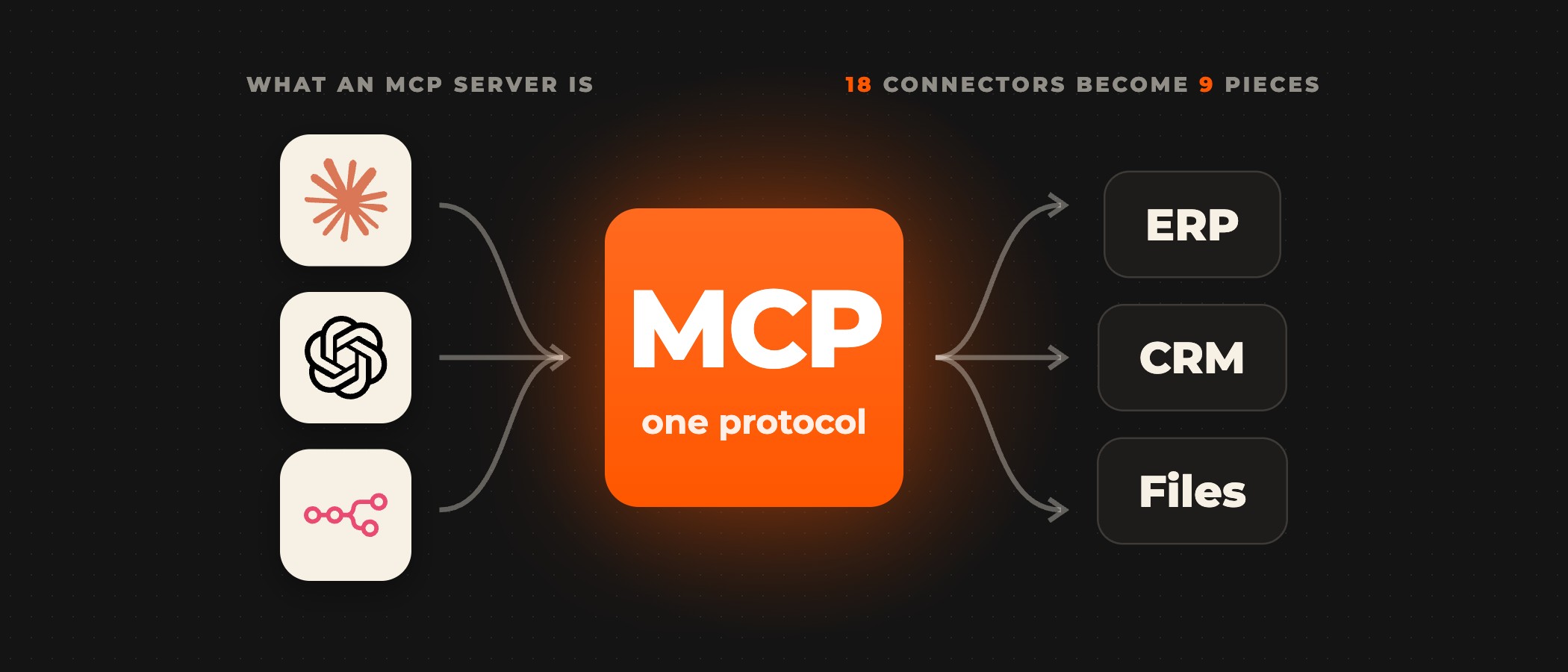
Running MCP Servers in Microsoft Foundry: The Production-Grade Deployment Guide

Microsoft Foundry does not host your MCP server. Foundry Agent Service accepts only a remote MCP server endpoint, so you run the server yourself, on Azure Container Apps or Azure Functions. You store its credentials in a project connection. Then you add it to an agent as an MCP tool. The tool takes the server's URL, a label, the tools the agent may call and an approval setting. A server that must stay off the public internet needs the Standard Agent Setup with private networking and a dedicated MCP subnet. Microsoft has tested one setup for this, according to its guide to connecting Foundry agents to MCP server endpoints. It is Container Apps with internal-only ingress, which accepts traffic only from inside your virtual network.
The Model Context Protocol (MCP) is an open standard that defines how applications provide tools and contextual data to large language models. Microsoft Foundry, the platform formerly called Azure AI Foundry, puts agents, models and tools under one Azure resource. It applies Microsoft Entra identity, role-based access control, network isolation and Azure Policy across them, as Microsoft's overview What is Microsoft Foundry? sets out.
The credentials for the systems behind your server stay in the project connection, not in your app's code. When the agent calls a tool, the call first waits for a person's approval, because the approval setting starts at always. Agent Service returns an approval request with the tool name and arguments. The call goes ahead once a person approves it in the same conversation. Agent Service then takes the credentials from the project connection and passes them to the MCP server. Microsoft's pages on setting up the MCP connection and MCP server authentication describe this step. The agent's final response carries what the tool returned.
Where to host the MCP server
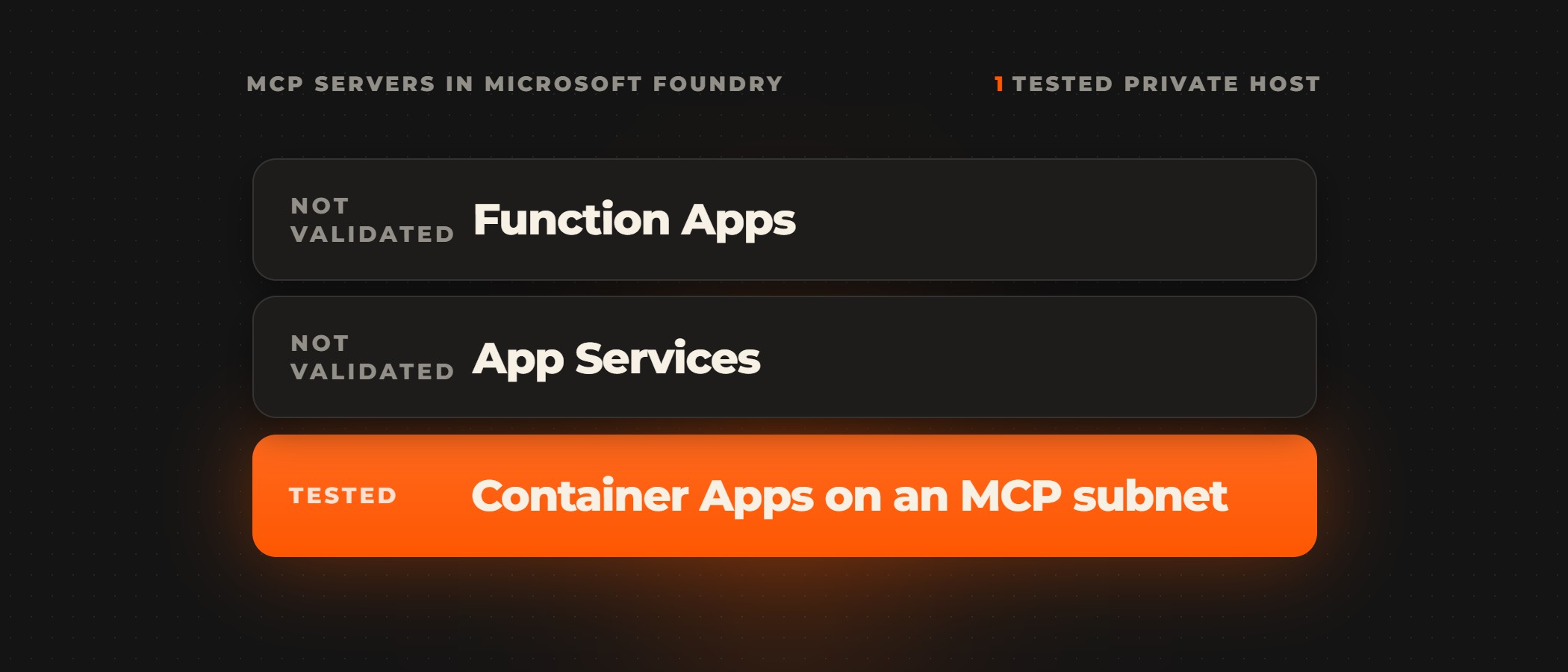
A server you built, or an open-source server that runs locally, has to be hosted as a remote endpoint before an agent can call it. Microsoft's Foundry guidance names Azure Container Apps and Azure Functions for this. Its guide to choosing an Azure service for your MCP server adds App Service and Azure Kubernetes Service. It calls Container Apps "the most flexible default" when you are not sure where to start. A private server narrows the choice. In Microsoft's words, "Azure Container Apps on a dedicated MCP subnet is the tested configuration for private MCP servers. Function Apps or App Services as the private MCP server host might work but aren't internally validated."
Both hosts run stateless servers only, which keep no session data between calls. On Container Apps, the server answers on HTTP POST and GET endpoints and can be written in any language that runs in Linux containers. You package it as a Linux amd64 container with every dependency in the image, and npx and uvx start commands are supported. On Azure Functions, the server speaks streamable HTTP in Python, Node.js, TypeScript, Java or .NET. Functions does not support containerized servers, OS-level dependencies, npx or uvx, and it requires a function key by default. Container Apps scales down to zero, so the first call after an idle spell waits for the server to start. Microsoft's hosting guide advises a minimum replica count of 1, which keeps one copy running, for interactive MCP clients to avoid that cold-start latency.
| Azure Container Apps | Azure Functions | |
|---|---|---|
| Endpoints | HTTP POST and GET endpoints | streamable HTTP |
| Language | any language that runs in Linux containers | Python, Node.js, TypeScript, Java or .NET |
| Container | a Linux amd64 container with every dependency in the image | containerized servers and OS-level dependencies are not supported |
| npx and uvx | supported | not supported |
| Runs | stateless servers only | stateless servers only |
| Plan for | a minimum replica count of 1 for interactive MCP clients to avoid cold-start latency | a function key is required by default |
| Private server | the tested configuration for private MCP servers | might work but aren't internally validated |
Connect the server to a Foundry agent
The setup Microsoft documents runs in five steps on a Foundry project. You need the Foundry User role to create and test agents, and the Foundry Project Manager role to create the project connection.
- Deploy the server to Azure Container Apps. For a private server, use internal-only ingress on a dedicated MCP subnet delegated to
Microsoft.App/environments. The project must run on the Standard Agent Setup with private networking, because the Basic agent setup does not support private MCP endpoints. - Create a project connection that stores the server's endpoint and its authentication, so no credential is hard-coded in your app.
- Add an MCP tool to the agent with
server_url, aserver_labelunique within the agent,allowed_tools,require_approvaland theproject_connection_id. - Run the agent with approval set to
always. Review the tool name and arguments in the approval request, and approve the expected call in the same conversation. - Confirm the final response contains what the MCP tool returned, then delete the test agent and its conversation.
Microsoft now recommends adding an MCP server through a Foundry Toolbox and attaching the toolbox to the agent. A toolbox bundles tools behind one MCP-compatible endpoint. You can then add, remove or reconfigure tools without changing the agent's code. A toolbox also keeps versions. Production agents call its consumer endpoint, which serves the version you promoted as the default. A version-specific endpoint lets you test a change before you promote it.
Limit what the agent may call
Two settings limit what the agent can do on your server. The allowed tools list restricts the agent to the tools you name. An empty list allows every tool the server exposes, so give it at least one name. Approval applies to every call by default. Microsoft advises requiring it for high-risk operations, especially tools that write data or change resources. It also advises treating tool descriptions and results from remote servers as untrusted input. They can carry indirect prompt injection, instructions hidden in the content that try to steer the agent. And it advises logging approvals and tool calls for auditing.
Pick the authentication method by deciding whose identity the server should see. Key-based access and Microsoft Entra authentication give every user one shared identity. Microsoft Entra client user delegation reuses the calling user's Entra context. OAuth identity passthrough asks each user to sign in to the provider, with a consent link the first time. Unauthenticated access suits only a public server, or a private one that relies on network isolation. Microsoft's authentication page advises starting with Microsoft Entra authentication when the server supports it, through the agent identity or the project managed identity. It removes secrets to manage and rotates tokens on its own. Anyone with access to the project can read a key stored in a project connection, so store only shared secrets there.
Limits to plan for
A non-streaming MCP tool call times out after 100 seconds, according to Microsoft's known limitations for the MCP tool. For longer work, Agent Service can run the agent in background mode. That needs a model that supports it and a server that implements MCP tasks. Background mode is in preview, and Microsoft does not recommend it for production workloads. A server definition that uses anyOf or allOf fails with "Invalid tool schema", and so does a parameter that accepts more than one type of value. When the model never calls the tool, check the server label and the URL. Also check that the allowed tool names match what the server exposes.
Building it with Ovidius
Ovidius works inside your team to build agentic workflows on Microsoft Foundry and keeps them running after launch. Every build starts with an AI Audit or a scoped pilot. The workflow, the data it may touch and the person who owns it are agreed before anyone writes code. Access runs through your own Entra ID roles. A named approver signs off before anything is written back, and every build is tested in staging before it goes live.
Frequently asked questions
What is the MCP tool in Microsoft Foundry?
The MCP tool connects a Foundry agent to a remote Model Context Protocol server, so the agent's model can call the tools that server exposes. You give it the server's URL and a label unique within the agent. You also give it an optional list of allowed tools, an approval setting that defaults to always, and a project connection that stores the server's credentials. Foundry Agent Service calls the server but does not host it.
Can a Foundry agent use an MCP server that runs locally?
Not directly. Agent Service accepts only a remote MCP server endpoint, so you host a local server first, on Azure Container Apps or Azure Functions. Container Apps runs any language that runs in Linux containers and supports npx and uvx start commands. Functions runs Python, Node.js, TypeScript, Java and .NET servers without containers. Both run stateless servers only.
How do I keep an MCP server off the public internet?
Use the Standard Agent Setup with private networking, on your own virtual network. Deploy the server on Azure Container Apps with internal-only ingress, on a dedicated MCP subnet delegated to Microsoft.App/environments. Microsoft has tested that configuration. Function Apps or App Services as the private host might work but are not internally validated. The Basic agent setup does not support private MCP endpoints.
What happens if the allowed tools list is empty?
The agent can call every tool the MCP server exposes. An empty list places no restriction, the same as leaving the setting out. Name at least one tool when you want to limit what the agent may call. Review the list, the approval settings and the connection's permissions again whenever the server's operator, its tools or its behavior changes.
Which authentication should a Foundry MCP connection use?
Start with Microsoft Entra authentication when the server supports it, through the agent identity or the project managed identity. There are no secrets to manage, and tokens rotate on their own. Use client user delegation when each call should run in the calling user's Entra context. Use OAuth identity passthrough when each user must sign in to the provider. Use a key in a project connection only for a secret every user may share.
How long can an MCP tool call run?
A non-streaming MCP tool call fails after 100 seconds, according to Microsoft's MCP tool documentation. For longer work, run the agent in background mode, with a model that supports it and a server that implements MCP tasks. The runtime collects the result when the task finishes. Background mode for MCP is in preview, without a service-level agreement, and Microsoft does not recommend it for production workloads.
Planning an MCP server on Microsoft Foundry? Book a discovery call. A senior partner runs the call and tells you whether Foundry is the right platform for the job before anything is scoped.