Claude Chat vs Cowork: When a Chat Interface Stops Being Enough for Your Team


Claude Chat and Claude Cowork are now one Claude. Anthropic began merging the two on 16 September 2026, so you ask for a quick answer or a whole task in the same conversation and Claude decides which tool the request needs. The unified experience is rolling out on the Pro, Max and Ultra plans. On Team and Enterprise plans it follows an owner setting, "Chat and Cowork unified". Anthropic's Help Center says the setting has been on by default in Enterprise organizations since 16 November 2026 and turns on by default for Team organizations on 1 December 2026, unless an owner has already set it either way.
What still separates chat from Cowork is the kind of work. Claude Academy's guide to choosing between Claude Cowork or Chat calls chat "a conversation you steer turn by turn" and Cowork "a delegation: you describe the goal, Claude works across your files and tools, and you come back to a finished result." For a team, chat in one person's account stops being enough at three points: when the work has to end in a finished file or an action, when several people need the same instructions and files, and when your company needs to control who uses Claude and with which tools. Those three point to one setup: a Team or Enterprise plan, a shared project that holds the team's instructions and files, and Cowork tasks for the work that ends in a file.
| Chat | Cowork | |
|---|---|---|
| Your goal | Still working it out | Clear deliverable in mind |
| The work | A few turns of back-and-forth | Multi-step, multi-source, or long-running |
| Your role | Present for every turn | Describe it once, check back |
| The output | Text you'll read or copy | A finished file or an action taken |
What changed when chat and Cowork became one Claude
Claude Cowork began as Anthropic's agent for knowledge work. Anthropic's guide to getting started with Claude Cowork lists it on the paid plans (Pro, Max, Ultra, Team and Enterprise) and says it "uses the same agentic architecture that powers Claude Code", runs your sessions in the cloud on Anthropic's servers in an isolated environment, and, through Claude Desktop, reads and writes the local files you give it access to. In the unified experience, Anthropic's article Claude Cowork and chat are one Claude says Claude can decide which tool to use, working through a task by "searching the web, reading your files, running code, and putting the results together", and the files it creates appear beside the conversation.
Your chats, tasks, projects and settings move over with your account, and the same article says "Projects work in every conversation." Once an account has the new experience, it cannot switch back to separate Chat and Cowork options. The article adds a permission setting that decides how often Claude checks with you: Auto, rolling out as the default on Pro, Max, Ultra and Team, keeps working without asking about each step, and Manual, the default on Enterprise, asks before Claude acts. Tasks that use files or apps on your computer need Claude Desktop open, and longer agentic tasks use more of your plan's usage than a quick question.
On Team and Enterprise plans, an owner sets "Chat and Cowork unified" under Organization settings > Capabilities. Anthropic's setup guide for Enterprise organizations says the setting needs Chat and "Cloud code execution and file creation" turned on, and does not need Cowork itself to be on. The setup guide for Team organizations adds that organizations using zero data retention cannot turn it on yet. Until the setting is on, members see chat and Cowork as separate options, so a Team organization that has not turned it on still picks between chat and Cowork.
Signs a team's work has outgrown individual chat
When Claude spreads through a team one personal account at a time, each person builds a private way of working with it. Four signs show the team's work has outgrown that. The third is about the work rather than the size of the team, and it applies to one person as well.
The first sign is the same instructions, retyped. Different people write their own instructions for the same recurring task, each slightly different, and the outputs differ with them. A shared project gives the task one set of instructions, which Claude uses "for all the chats within the project", according to Anthropic's guide to creating and managing projects. On Team and Enterprise plans you share the project with "Can edit" for the people who maintain the instructions and "Can view" for the people who use them, so the team works from one version with named editors.
The second sign is files spread across downloads, chat threads and personal drives, so Claude sees only what each person pastes in. In a project, "Anything you upload to this space will be used across all of your chats within that project." Projects in Cowork can also take a local folder, a linked chat project or a URL as context, according to Anthropic's guide to projects in Claude Cowork, and what Claude learns in one project does not carry over to other projects.
The third sign is work that ends in a file or an action, such as "a document to produce, a spreadsheet to build from a folder of inputs", in the words of Claude Academy's guide. In a chat someone copies the output into an editor and pastes the next input back in. A Cowork task takes the whole job: you describe it once, check back, and review the finished file.
The fourth sign is that nobody in IT can see who uses Claude for work, with which tools or on what data. Anthropic's plans page lists central billing and administration, single sign-on and admin controls for connectors as Team plan features, so a team working in personal Pro or Max accounts has none of them.
What a Team or Enterprise plan adds
A Team plan, for teams of 2 to 150, includes Claude Code and Claude Cowork, central billing and administration, single sign-on, admin controls for remote and local connectors, and no model training on your content by default, according to Anthropic's plans page. Enterprise adds spend limits for users and the organization, role-based access with fine-grained permissions, SCIM provisioning, audit logs, the Compliance API and custom data retention controls.
For Cowork itself, Anthropic's guide to Claude Cowork on Team and Enterprise plans says Cowork "is on by default, but organization owners can manually disable it", and Enterprise plans can use groups and custom roles to turn it on for specific teams. Plugins sit under the same toggle. An owner decides whether members may skip the per-task approval for connector tools that can write. Owners can stream Cowork events to their own SIEM and observability tools through OpenTelemetry, and Enterprise admins retrieve Cowork sessions through the Compliance API, which returns the most recent 30 days.
Plan for one gap before the rollout. For local sessions, Cowork keeps conversation history on users' computers, outside Anthropic's standard data retention, and admins cannot centrally manage or delete it.
Connecting Claude to your own systems
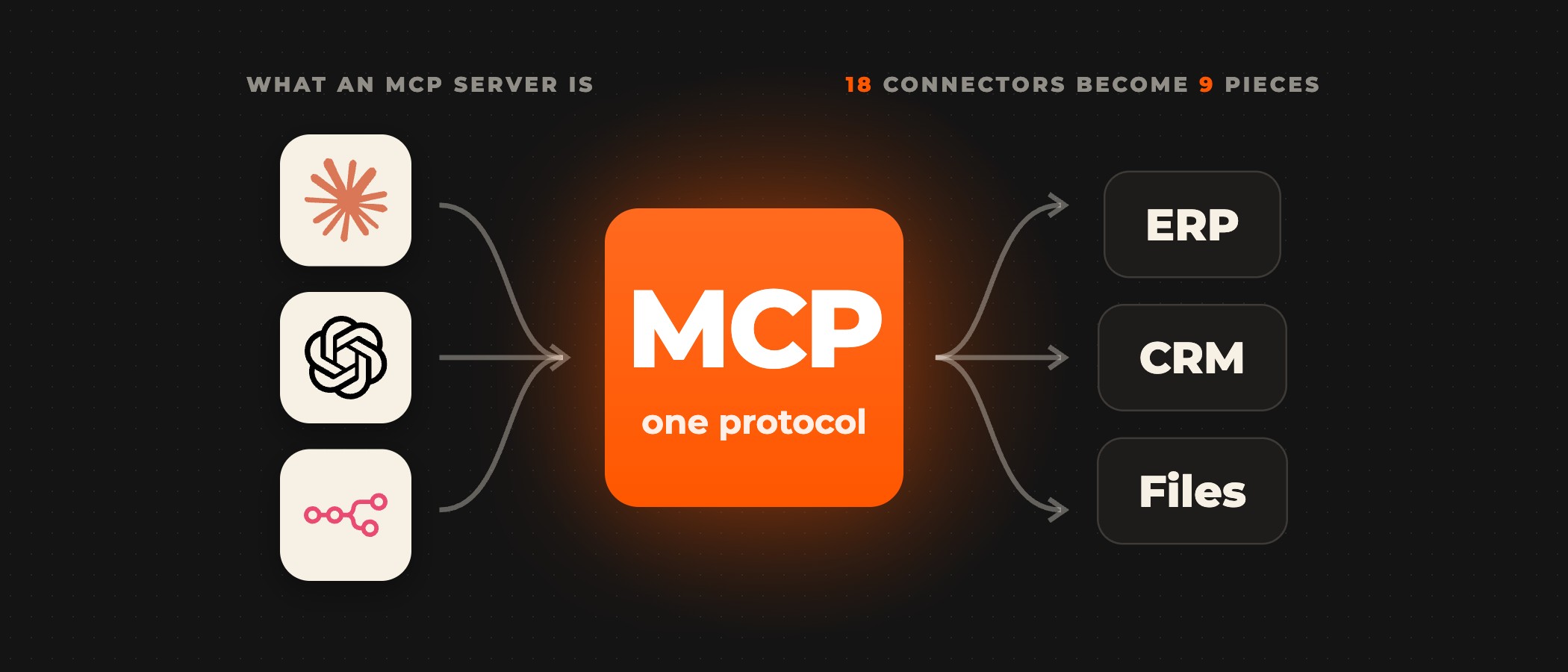
A shared project gives Claude your team's instructions and files. Reading and updating the systems your teams work in takes connectors, and MCP is the open standard Claude uses to reach them. Ovidius connects Claude Cowork to the systems your teams already use, such as Jira and your CRM, and builds the connectors your systems need when none exist yet. We set which actions wait for a person's approval and when Cowork hands a task to a person, and every build is tested in staging before it goes live. An AI pilot takes 2 to 6 weeks, and the timeline of a full build is set in scoping.
Start with one team and one workflow
Start with one team and one workflow that runs by hand every day. Put that workflow's instructions and reference files in a shared project, give edit rights to the people who own the process, and hand the steps that end in a file to Cowork tasks. Before anyone builds, write the workflow down: who owns it, what starts it, its steps, the systems and data it touches, and where a person checks the output.
Frequently asked questions
What is the difference between Claude chat and Claude Cowork?
Chat is a conversation you steer turn by turn, and Cowork is a task you hand off. Claude Academy's guide describes Cowork as "a delegation: you describe the goal, Claude works across your files and tools, and you come back to a finished result." Since Anthropic began merging the two into one Claude on 16 September 2026, as its announcement of that day says, Claude decides which tool a request needs wherever the unified experience is on.
Are Claude chat and Cowork still separate?
Not on accounts that have the unified experience, which is rolling out on the Pro, Max and Ultra plans. On Team and Enterprise plans it follows the owner setting "Chat and Cowork unified", on by default for Enterprise organizations since 16 November 2026 and for Team organizations from 1 December 2026, unless an owner keeps it off, according to Anthropic's Help Center. Until the setting is on, members choose between chat and Cowork.
Can a team share a Claude project?
Yes, on Team and Enterprise plans. Anthropic's Help Center lists two levels: "Can view" members see the project's contents, knowledge and instructions and chat within it, and "Can edit" members change its instructions and knowledge and update member settings. Claude uses a project's instructions and uploaded files in every chat within that project.
Which Claude plans include Cowork?
The paid plans: Pro, Max, Ultra, Team and Enterprise, according to Anthropic's Help Center. On Team and Enterprise plans Cowork is on by default, and an owner can turn it off for the whole organization. Enterprise plans can also use groups and custom roles to turn Cowork on for specific teams.
Where does Cowork keep the history of local sessions?
On the user's own computer. For local sessions, Cowork stores conversation history on users' computers, outside Anthropic's standard data retention, and admins cannot centrally manage or delete it, according to Anthropic's guide to Claude Cowork on Team and Enterprise plans. Enterprise admins can retrieve Cowork sessions through the Compliance API, which returns the most recent 30 days.
Moving your team from personal chats to a shared setup?
Book a discovery call. A senior partner runs the call and tells you which of your workflows suit Cowork before anything is scoped.