n8n Migration Guide: How to Safely Upgrade to 3.0

n8n 3.0 is a breaking-change release for self-hosted n8n. Since 2.0 came out in December 2025, n8n has shipped over 45 releases, roughly one a week, and features shipped as they were ready, so 3.0 collects the breaking changes and "can focus purely on the foundation" (per the n8n v3 introduction). If your integrations run on a self-hosted instance, an untested upgrade can leave workflows that fail when they run or never activate.
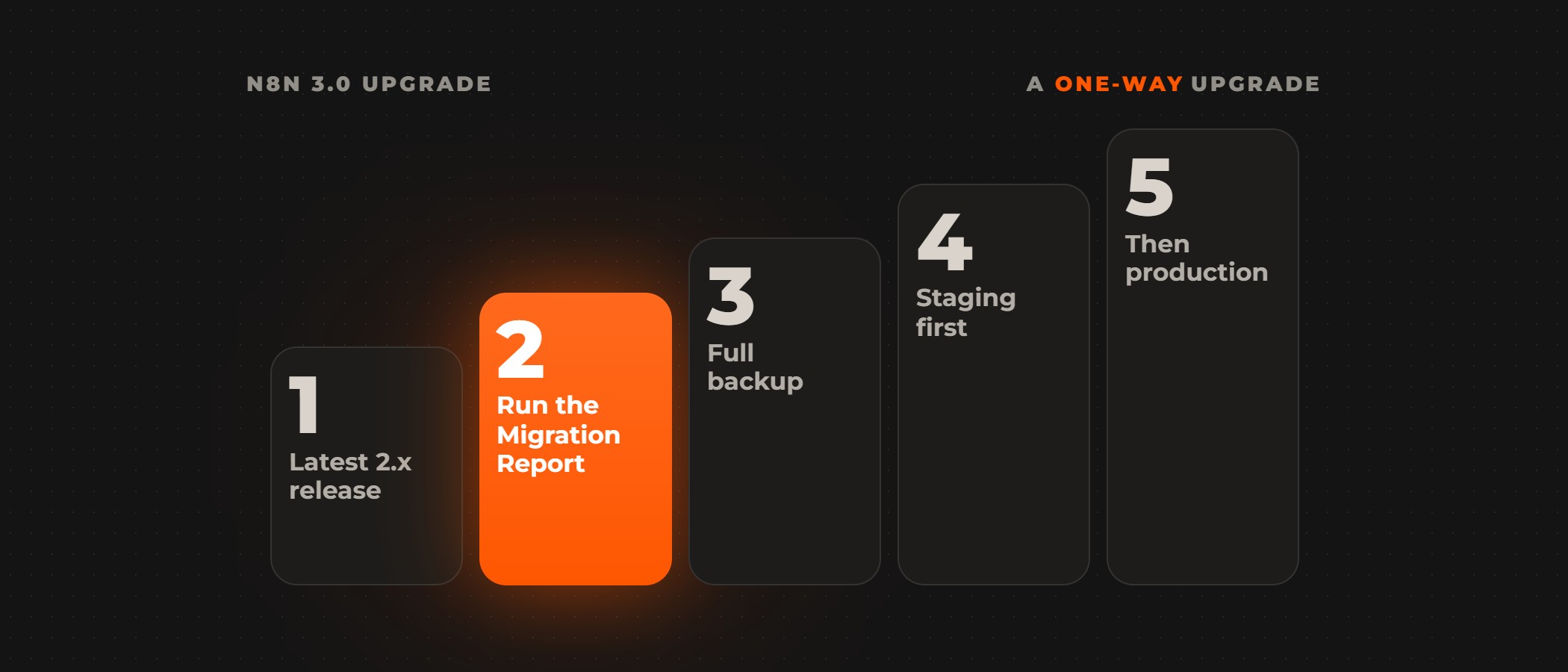
To upgrade safely, update to the latest 2.x release, run the Migration Report and fix, or mark "won't fix", everything it flags, refresh the scan, take a full backup of the database and the encryption key, then upgrade a staging instance first and production after, on a pinned 3.x image tag. An instance that runs from npm moves to Docker, Kubernetes or Helm before any of it. Today n8n 3.0.0 is an early access release, and the stable 3.x release is planned for early December 2026, so upgrade staging now and production on the stable release (per the n8n v3 introduction and the n8n 3.0 breaking changes).
The upgrade is one way. n8n says "There's no going back to 2.x", and rolling back means restoring the full backup you took before upgrading (per the n8n v3 introduction). That backup needs the encryption key, because without it a restored database can't be decrypted (per n8n's backup and restore guide). Support for 1.x ends on December 31, 2026, and there is no direct path from 1.x to 3.x, so a 1.x instance moves to the latest 2.x release first. After the stable 3.x release, 2.x gets security and critical bug fixes for 12 months (per the n8n v3 introduction).
The breaking changes in n8n 3.0
Installs move to containers
In n8n 3.0, npm and npx installs are no longer supported, and self-hosted instances run on Docker, Kubernetes or Helm (per the n8n 3.0 breaking changes). If n8n runs from npm on a server or virtual machine, move to Docker, Kubernetes or Helm before the upgrade, taking the database and files with it. Moving to a container is a prerequisite of the upgrade, so the deployment pipeline changes before anyone pulls a 3.0 image.
Security defaults
The Slack API credential requires a signing secret (per the n8n 3.0 breaking changes): without one, the workflow fails to publish, and a workflow already published does not activate, so add the signing secret to every Slack credential before you upgrade. When SSRF protection is on and its block list contains "default", n8n 3.0 blocks four more IP ranges, so check internal addresses your workflows call against the new list. Unverified community packages are disabled by default, so set N8N_UNVERIFIED_PACKAGES_ENABLED to re-enable the packages your workflows use.
Execution, storage and nodes
In queue mode, manual executions always run on workers, and the OFFLOAD_MANUAL_EXECUTIONS_TO_WORKERS variable is removed, so review the memory you give to workers. In-memory binary data mode is removed: set N8N_DEFAULT_BINARY_DATA_MODE to filesystem, s3, azure or database. n8n 3.0 also renames the binaryData folder to storage and stops with an error if both folders exist, so check that no storage folder exists beside binaryData before the first start. The Code node's task timeout drops from 300 to 60 seconds, so raise the timeout for longer runs with N8N_RUNNERS_TASK_TIMEOUT (per the n8n 3.0 breaking changes).
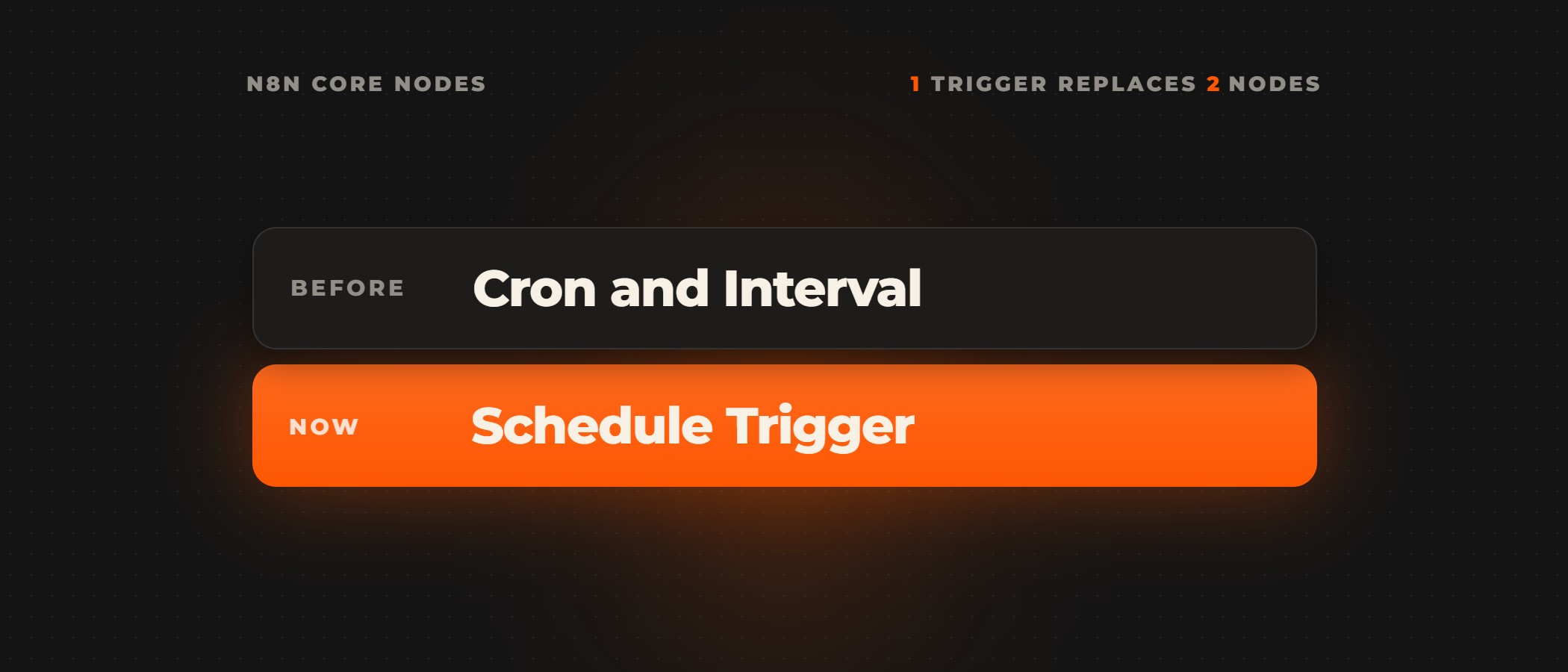
Removed nodes stop a workflow outright. The Function, Item Lists, Cron, Interval and legacy OpenAI nodes are gone, along with others such as Function Item and HTML Extract, and n8n doesn't migrate AI Transform nodes on upgrade; the breaking changes page lists every one. Workflows that use a removed node fail when they run, and a published one doesn't activate (per the n8n 3.0 breaking changes), so rebuild the workflows first, before you upgrade.
Running the Migration Report before you upgrade
Every instance on version 2.39 or later has a Migration Report under Settings > Migration Report (per the n8n v3 introduction). It scans the instance and sorts what it finds into five impact levels: Upgrade blocked, Executions will fail, Executions might fail, Behavior changes and Capability removed. Run it as an instance owner or admin, because other users see only the workflows they can edit. For some nodes a Migrate button appears, and n8n saves the result as a new version of the workflow. The report does not detect every change, so n8n advises testing migrated workflows in a development environment before you publish them (per the n8n 3.0 migration tool guide).
The order n8n sets out for the upgrade:
Pinning the 3.x image tag
Moving Docker tags still point at 2.x builds. On November 9, 2026, latest and stable pointed at 2.46.7, and beta and next at 2.47.3, so pulling the stable tag today returns a 2.x build (per n8n's Docker Hub tags). To run 3.x, pin an explicit tag, such as 3.1.0 on staging today or the stable 3.x release when it ships, and use the same tag on every instance.
Cutting over in queue mode
For multi-main setups, n8n's queue mode guide lists all main and worker processes running the same version of n8n as a prerequisite, and every worker and webhook processor needs the main instance's encryption key. So upgrade the cluster in one window: stop the workers, stop the main instance, take the backup, start the main instance on the pinned 3.x tag, then start the workers on the same tag with the same encryption key.
Upgrading with an n8n partner
Ovidius AI is a Select Partner in n8n's Expert Partner program. Our n8n consultants read every workflow, credential and setting on the instance you run, rank what they find by risk and by cost, and fix each issue in a test environment first. We run n8n in Docker on your own cloud, with Postgres and Redis workers, and n8n support covers alerts on failed executions, worker scaling and n8n upgrades.
Frequently asked questions
What do you need to change before upgrading to n8n 3.0?
Move an npm or npx install to Docker, Kubernetes or Helm, add a signing secret to every Slack API credential, re-enable the unverified community packages your workflows use, set a binary data mode other than in-memory, raise the Code node's task timeout for runs longer than 60 seconds, and rebuild workflows that use removed nodes such as Function, Item Lists, Cron and Interval. n8n's 3.0 breaking changes page lists every change with what to do about it.
Can you roll back from n8n 3.0 to 2.x?
No. n8n says moving to 3.x is one way, with no going back to 2.x. Rolling back means restoring the full backup you took before upgrading, and that backup needs the encryption key, because without it a restored database can't be decrypted. Take the backup once the Migration Report is clear and before you upgrade staging.
Can you upgrade from n8n 1.x straight to 3.0?
No. There is no direct path from 1.x to 3.x, so a 1.x instance first moves to the latest 2.x release. Support for 1.x ends on December 31, 2026. The latest 2.x release also carries the Migration Report, which every instance on version 2.39 or later has under Settings.
What does the n8n Migration Report check?
It scans the instance and sorts what it finds into five impact levels, from Upgrade blocked to Capability removed. For some nodes it offers a Migrate button and saves the fix as a new version of the workflow. It does not detect every change, so n8n advises testing migrated workflows in a development environment before you publish them.
Is n8n 3.0 ready for production?
Not yet. n8n 3.0.0 is an early access release, and n8n plans the stable 3.x release for early December 2026. Upgrade a staging instance now to find what breaks, and production on the stable release. After the stable 3.x release, 2.x gets security and critical bug fixes for 12 months.
Do n8n workers need the same version as the main instance?
For multi-main setups, n8n lists all main and worker processes running the same version of n8n as a prerequisite, and every worker needs the main instance's encryption key. Our advice for any queue-mode cluster is to upgrade it in one window: stop the workers and the main instance, take the backup, start the main instance on the pinned 3.x tag, then start the workers on the same tag.
Planning your n8n 3.0 upgrade? Book a call with our AI consultants: a senior partner runs the call and scopes the work with you, and the consultants build inside your systems, on your own data, and keep it running after launch.