Figma MCP Skills for Claude: Connecting Canvas and Code


Figma MCP skills are Claude skills that teach Claude to work inside Figma through the Figma MCP server. A Claude skill is a folder holding a SKILL.md file, which Claude loads when a request matches the skill's description (Claude Agent Skills overview). With Figma's skills installed and the remote Figma MCP server connected to Claude Code or Claude Desktop, Claude reads a Figma file through the server's read tools and writes to the canvas through one tool, use_figma, which builds frames, components, variants, variables and auto layout with Figma's Plugin API (Figma, write to canvas).
That lets a design team hand Claude the repetitive work of a design system: checking screens for drift, building components from tokens, and turning specs into code. Each task can live in its own skill, so a design operations team can keep one skill for auditing drift, one for building components and one for SwiftUI specs, and Claude loads only the one a request calls for.
How Claude loads a skill
Claude loads a skill in three stages, so a skill's instructions enter the context only when a request needs them (Claude Agent Skills overview). The metadata, about 100 tokens of name and description per skill, sits in context from startup, and Claude matches each request against it. The instruction body of SKILL.md, under 5,000 tokens, loads only when a request triggers the skill's description. Bundled resource files stay on the filesystem until Claude reads them, and a bundled script returns only its output. That is why a designer can install many skills without filling the context window.
The frontmatter rules are strict. A skill's name is at most 64 characters of lowercase letters, numbers and hyphens, and cannot contain the words "anthropic" or "claude". Its description is at most 1,024 characters and has to say what the skill does and when to use it, because the description is the text Claude matches a request against (Claude Agent Skills overview). A team's own design tokens and component rules can travel with a skill as bundled files, and an enterprise context layer holds the company knowledge every agent reads from.
Connecting Claude to the Figma canvas
Figma runs its MCP server two ways (Figma MCP server documentation). The remote server, at https://mcp.figma.com/mcp, connects to Figma's hosted endpoint without the desktop app, Figma recommends it for most users, and it is the only one that writes to the canvas. The desktop server runs through the Figma desktop app and needs a Dev or Full seat on a Professional, Education, Organization, Government or Enterprise plan.
In Claude Code, one command installs the server and Figma's skills together, claude plugin install figma@claude-plugins-official, and the manual route is claude mcp add --transport http figma https://mcp.figma.com/mcp (Figma MCP server guide). Figma's client table marks Claude Code, Claude Desktop, Cursor and VS Code for writing to the canvas, and Gemini CLI for both servers without writing. claude.ai in the browser does not appear in the table, which matters for a team that works in the browser.
The server's read tools include get_design_context, get_variable_defs, get_metadata and get_screenshot, and its general-purpose write tool, use_figma, runs JavaScript in the file through Figma's Plugin API (Figma MCP tools). Figma's figma-use skill tells the agent to load it before every use_figma call, and Figma's write to canvas page recommends installing it so the agent uses the tool reliably. Writing needs edit access to the file, a Professional, Education, Organization or Enterprise plan, and a Full seat to write outside your drafts. It is free during the beta and will become a usage-based paid feature (Figma, write to canvas).
How often you can call the server depends on your plan and seat (Figma MCP rate limits). View and Collab seats get up to 20 tool calls a month on every plan. Dev and Full seats get up to 200 a day and 10 a minute on Professional, 200 a day and 15 a minute on Organization, and 600 a day and 20 a minute on Enterprise, and Education plans match Professional. Tools that write to Figma files are exempt from these limits. Figma may change the limits at any time; these are the figures it listed on November 9, 2026.
Anthropic launched Claude Design on April 17, 2026, as a research preview running on Claude Opus 4.7 for Pro, Max, Team and Enterprise subscribers, off by default on Enterprise until an admin turns it on (Anthropic, Introducing Claude Design). Shares of Figma fell as much as 7.28% that day, according to Inbenta. The two tools do different jobs.
Figma's skills and the community's
Figma maintains 16 skills in its figma/mcp-server-guide repository, counted on GitHub on November 9, 2026. Figma's own instructions make figma-use the prerequisite for every use_figma call. figma-generate-design builds screens from a file's existing design system through search_design_system, which searches the connected libraries for components, variables and styles to reuse, and figma-generate-library builds reusable components, variants and token collections. The rest include figma-code-connect, figma-design-to-code, figma-spec, figma-swiftui, figma-use-slides and figma-use-figjam.
Figma's article Claude skills for design also links five community skill sets, each built outside Figma:
Anthropic's own skills sit beside these. The frontend-design plugin, a frontend design skill for UI and UX implementation published in anthropics/claude-plugins-official, showed 1,134,112 installs on its plugin page on November 9, 2026. The anthropics/skills repository holds 19 skill folders, counted the same day, among them brand-guidelines, theme-factory, canvas-design, webapp-testing, skill-creator and web-artifacts-builder. Its docx, pdf, pptx and xlsx skills are the pre-built skills Claude uses when it creates documents in claude.ai.
Vetting a skill before you install it
Anthropic's guidance is to use skills only from trusted sources, those you created yourself or obtained from Anthropic, and to audit any other skill before use: every bundled file, including SKILL.md, scripts, images and other resources (Claude Agent Skills overview). It names skills that fetch data from external URLs as a particular risk, since the fetched content can carry malicious instructions, and asks teams to treat a skill like installed software.
A license and recent commits are the first two things to check. Of the five community repositories Figma's article links, four declare no license on GitHub and were last updated between March 22 and March 24, 2026; uSpec carries the MIT license and was updated in September 2026 (GitHub, read November 9, 2026). A skill that runs Plugin API code against your Figma files is code your team installs, and it gets the review any other dependency gets.
Sharing is set per surface. Custom skills do not sync between claude.ai, the Claude API and Claude Code, so a team uploads a skill to each surface it uses (Claude Agent Skills overview). On Team and Enterprise plans, owners can provision skills to the whole organization and turn on sharing in the Policy tab of the organization settings (Claude Help Center). Claude Enterprise organizations can turn on skill content scanning, which checks each custom skill uploaded in claude.ai and Claude Cowork for malicious content before it can run; scanning does not cover skills uploaded through the Skills API or the Claude Console. Agent Skills is not covered by zero data retention arrangements, so skill definitions and execution data follow Anthropic's standard retention policy (Claude Agent Skills overview).
From skills to a production design pipeline
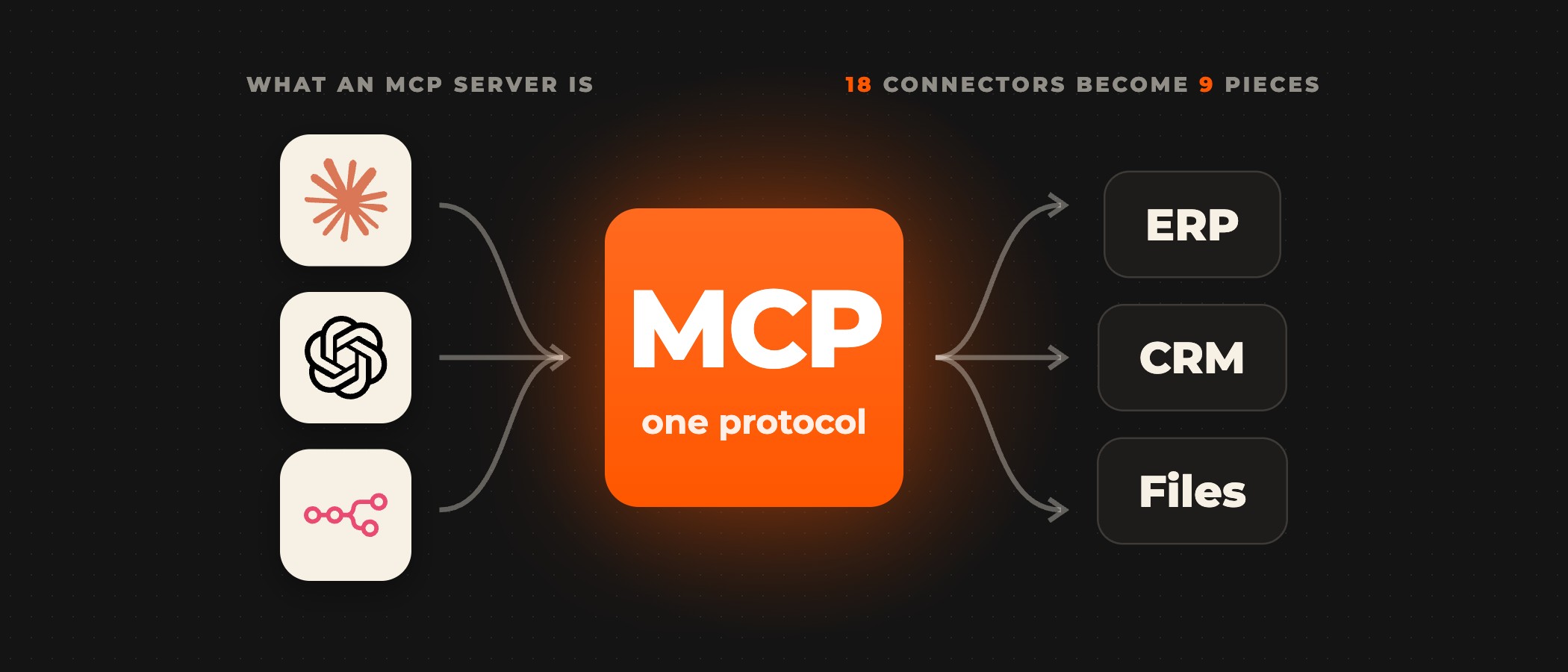
Skills fit bounded design tasks on a clean design system, with someone on the team to vet and maintain the skill files. Connecting Figma variables to codebase tokens and a CI pipeline, with credentials, access control and monitoring at each handoff, is integration work a skill file does not do. Ovidius builds that layer: we build the MCP connectors your stack needs that do not exist yet, and our builds run inside your environment on self-hosted n8n, tested against a staging replica before they touch live records.
Frequently asked questions
What are Figma MCP skills for Claude?
They are Claude skills, folders with a SKILL.md file, that teach Claude to use the Figma MCP server. Figma maintains 16 of them in its figma/mcp-server-guide repository, counted on GitHub on November 9, 2026, including figma-use, figma-generate-design and figma-generate-library. Claude loads a skill only when a request matches its description, then reads and writes the Figma file through the server's tools.
Does Claude need the figma-use skill to write to Figma?
Figma's own figma-use skill says to load it before every use_figma call, and Figma's write to canvas page recommends installing it so the agent uses the tool reliably. Installing the Figma plugin in Claude Code with claude plugin install figma@claude-plugins-official adds the server and Figma's skills together.
Can Claude write to a Figma file from claude.ai in the browser?
Not according to Figma's client table, where claude.ai does not appear. The table marks Claude Code, Claude Desktop, Cursor and VS Code for writing to the canvas through the remote server. Writing also needs edit access to the file, a Professional, Education, Organization or Enterprise plan, and a Full seat to write outside your drafts.
How many Figma MCP tool calls does each seat get?
Figma's rate limits page gives View and Collab seats up to 20 tool calls a month on every plan. Dev and Full seats get 200 a day on Professional and Organization and 600 a day on Enterprise, with per-minute caps of 10, 15 and 20. Tools that write to Figma files are exempt, and Figma may change the limits at any time.
Is Claude Design the same as the Figma MCP server?
No. Claude Design is Anthropic's standalone design tool, launched on April 17, 2026, as a research preview, and it exports to Canva, PDF, PPTX or standalone HTML; Anthropic's announcement does not mention Figma. The Figma MCP server lets Claude Code, Claude Desktop and other clients read and write inside your own Figma files.
Are community Figma skills safe to install?
Treat each one like installed software. Anthropic's Agent Skills overview advises using skills you wrote or got from Anthropic and auditing every bundled file of any other. Of the five community repositories Figma's article links, four declare no license on GitHub and were last updated in March 2026, so check the license and recent commits before a skill touches your production files.
Want Claude working on your own design system?
Start with an AI proof of concept on your real data: in 2 to 6 weeks we build a working prototype for one use case and hand you a go/no-go report on accuracy, latency, token cost and total cost of ownership.