AI Incident Response: What to Do When an Agent Gets It Wrong

Your autonomous agent just sent an unapproved, heavily discounted proposal to your largest enterprise client. Or it triggered an API call that corrupted a customer database in the middle of the night. The instinct to revoke everything and shut the system down is understandable, but it is almost certainly wrong. A blunt shutdown destroys the perishable forensic evidence you need to understand what happened, while maximizing business disruption at the worst possible moment by taking down critical customer-facing services that were otherwise unaffected.
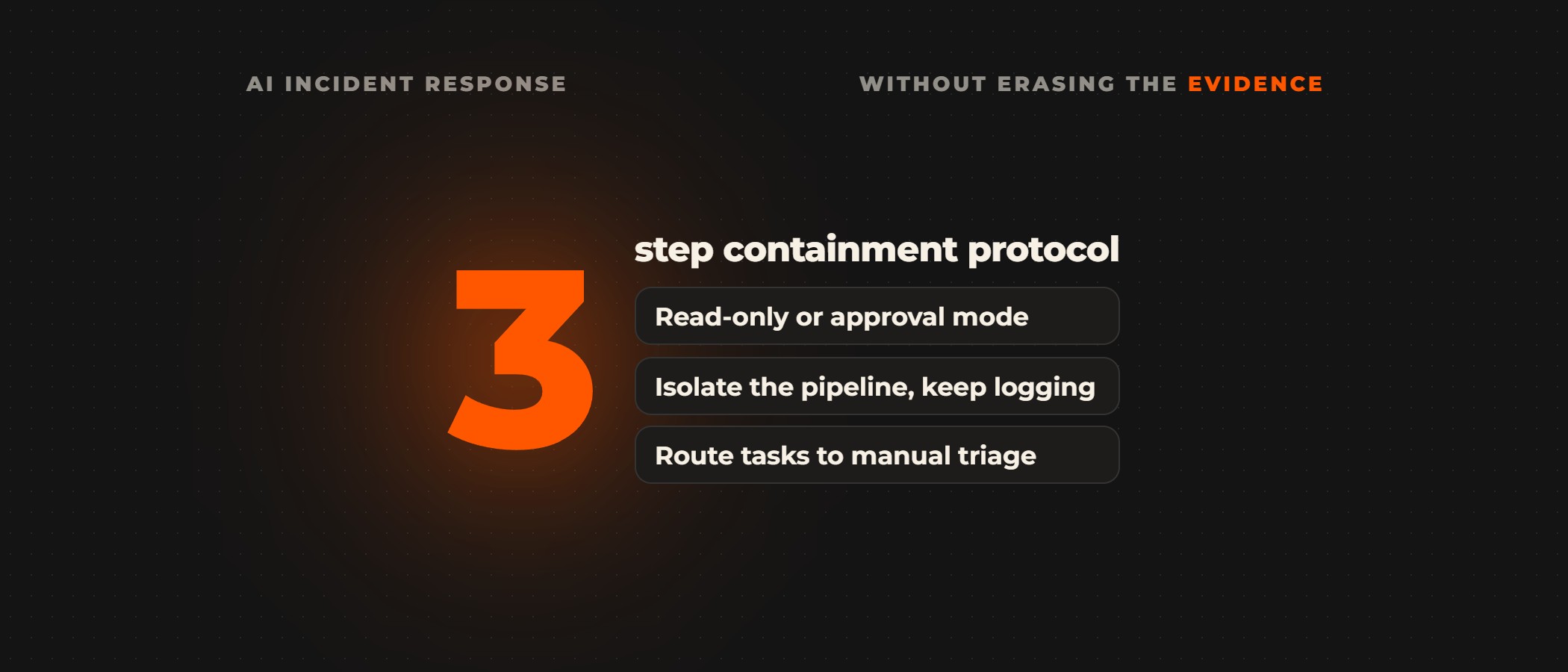
Contain the agent instead of shutting it down. Switch its workflow to read-only or human-in-the-loop approval mode, isolate the pipeline while logging stays active, export the payloads and prompts captured at the moment of failure, and route pending tasks to a manual triage queue. Then diagnose why the agent erred, replicate the failure in a sandboxed staging environment, and fix it there with a refined instruction set and programmatic guardrails before the agent writes to a live system again.
AI agents operate with delegated permissions: OAuth grants, database write access, outbound communication channels. When they fail, they do so with perfectly valid credentials, which standard cybersecurity playbooks, designed for unauthorized intrusions, do not plan for. Testing those permissions in a pilot on staging systems before go-live is cheaper than finding them in production.
| Traditional software | AI agents | |
|---|---|---|
| Runs | deterministic | non-deterministic |
| Failures | a bug traces back to a specific line of code under a specific input | variable and difficult to replicate |
| A failure is | a crash | an unauthorized action executed through authorized channels |
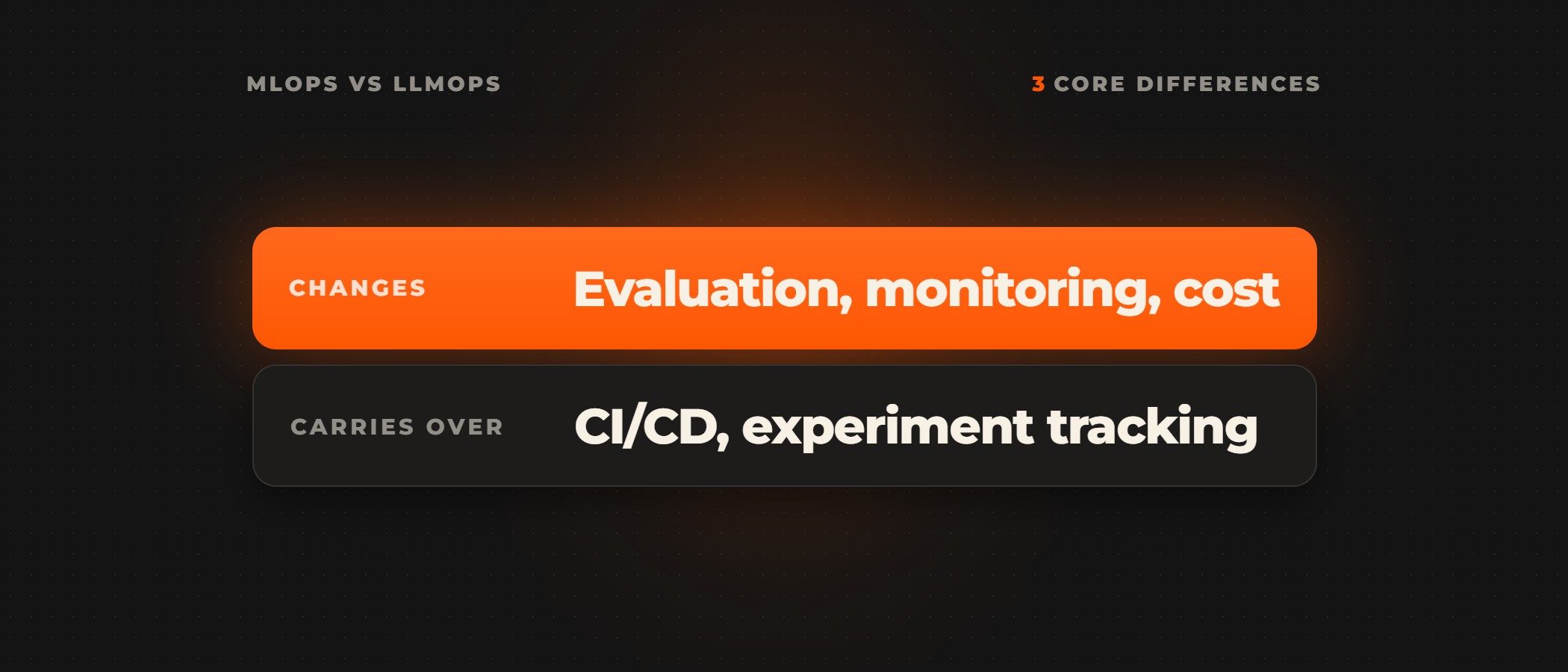
An AI incident response plan has to account for semantic drift, prompt contamination and tool misuse, failure modes a standard runbook does not cover. Our comparison of MLOps and LLMOps covers why language models fail differently.
1. The 3-Step Immediate Containment Protocol
The first hour is about stopping the damage without erasing the evidence. Rather than revoking all credentials and causing a total system blackout, switch the agentic workflow to read-only or human-in-the-loop approval mode to keep the system online while preventing unauthorized writes. This targeted move halts further harmful actions while preserving the volatile forensic data you'll need: prompt contexts, intermediate tool-call traces, and in-memory state snapshots.
Next, isolate the failing pipeline from external databases and communication channels while keeping your logging infrastructure fully active. Export the exact JSON payloads, system prompts, and vector database retrieval states captured at the moment of failure. That audit trail is the foundation of your post-incident review. Without it, your team is left reconstructing events from memory.
With the pipeline isolated, route all pending agent tasks to a manual triage queue managed by your operations team. This human-in-the-loop bypass maintains business continuity while the investigation runs. Teams running hybrid human-AI workflows can pivot to manual overrides without dismantling their underlying database integrations.
2. Forensic Analysis: Diagnosing Why the Agent Erred
Once the system is stable, work out which of the four failure types below this was. Getting that taxonomy right determines the fix, the guardrails, and the compliance documentation your governance team will need, so let the type of failure decide what you document.
The Core Failure Taxonomy:
- Prompt Contamination & Injection: External inputs manipulate the system prompt, causing the agent to bypass safety protocols and execute unintended instructions.
- Schema Mismatches & Tool Failures: The agent calls an external API using an outdated or corrupted schema, triggering failure recovery loops.
- Handling AI Hallucinations: The underlying LLM generates plausible but inaccurate data, which the agent then acts on as ground truth.
- Identity and Permission Drift: Over-scoped access rights allow the agent to write to systems it should only be reading.
Never test your fixes in production. Replicate the exact prompt state and tool inputs in a sandboxed staging environment, then run deterministic unit tests to confirm the failure vector is blocked and the agent's decision boundaries are restored. A fix that skips this step can let the same error resurface under slightly different conditions. In the Ovidius AI implementation process, the engineers who built a workflow keep watching it after launch. When an upstream system changes, the error handler pauses the run and alerts them, the fix goes through staging, and held records are replayed.
With the failure reproduced in staging, address any bias or logical flaws in the agent's decision path by refining the system instruction set. Then layer in programmatic guardrails: Pydantic input/output validation, circuit breakers, and strict schema enforcement. These checks catch the edge cases your prompts cannot anticipate.
External API dependencies can fracture agentic logic mid-execution. A self-hosted n8n deployment runs in your own cloud with Postgres and Redis workers, so executions and credentials stay with you, and queue mode queues each run for the next available worker. Ovidius AI builds every production workflow with retries, an error workflow and an alert that reaches a person, so when an external service degrades, the run pauses and your team hears about it before a silent failure corrupts downstream data.
3. Transitioning from Reactive Firefighting to Proactive Stability
Reacting to AI failures after they occur is expensive and damaging to customer trust. The durable answer is designing an agentic, low-code AI workflow with built-in error handling, strict boundary permissions, and human oversight from day one, rather than retrofitting security after the first production incident. If your team is managing fragile pipelines or wants to harden your systems before the next failure surfaces, the AI consulting team at Ovidius AI scopes one workflow with you, builds it inside your systems on your own data, and keeps it running after launch.
Frequently asked questions
What is AI incident response?
AI incident response is what a team does when an AI agent takes a wrong action in production: contain the agent without shutting it down, preserve the forensic evidence, diagnose why it erred, and test the fix in a sandbox. A standard runbook does not cover it, because an agent fails with valid credentials, through authorized channels, and can follow different execution paths on different runs.
Should you shut down an AI agent that made a mistake?
No, not as the first move. A blunt shutdown destroys the perishable forensic evidence you need to understand what happened and can take down customer-facing services that were otherwise unaffected. Switching the workflow to read-only or human-in-the-loop approval mode stops unauthorized writes while the system stays online and the prompt contexts, tool-call traces and state snapshots are preserved.
What evidence should you keep after an AI agent fails?
Keep the exact JSON payloads, system prompts and vector database retrieval states captured at the moment of failure, along with prompt contexts, intermediate tool-call traces and in-memory state snapshots. Keep the logging infrastructure fully active while the pipeline is isolated. That audit trail is the foundation of the post-incident review; without it, the team is left reconstructing events from memory. Incident response is one of the eight controls in our AI governance maturity model, and the evidence log is another.
How is an AI agent failure different from a software bug?
An agent's failure is an unauthorized action executed through authorized channels, with perfectly valid credentials, where a failure in traditional software is a crash. Traditional software is deterministic, so a bug traces back to a specific line of code under a specific input. An agent is non-deterministic: the same task can follow entirely different execution paths on different runs, which makes its failures variable and difficult to replicate.
How do you keep the business running while an agent is contained?
Route all pending agent tasks to a manual triage queue managed by your operations team. This human-in-the-loop bypass maintains business continuity while the investigation runs, and teams running hybrid human-AI workflows can pivot to manual overrides without dismantling their underlying database integrations.
How do you stop the same agent error from happening again?
Fix it in a sandboxed staging environment first. Replicate the exact prompt state and tool inputs there, refine the system instruction set, and add programmatic guardrails such as Pydantic input/output validation, circuit breakers and strict schema enforcement. Deterministic unit tests then confirm the failure vector is blocked and the agent's decision boundaries are restored before it returns to production.
Don't wait for a critical agent failure to expose the vulnerabilities in your AI infrastructure. Schedule an enterprise AI audit with Ovidius AI. It covers your strategy, operations, data, systems and governance, and ends in a roadmap you own, with integration, scalability and rollback defined before deployment starts.